How do I troubleshoot headset charger issues? Follow
Introduction
If you have a headset charger issue, it is important to follow the correct troubleshooting steps to ensure the problem can be resolved as quickly as possible.
Warning
Please do not leave a headset connected to a charger with issues as this may completely drain your headset battery.
Tools Required
- Headset Charger
Step 2: Power cable and Charging cable
Step 1: Power outlet and LED
- Remove the headset cover off the wall to be able to access the headset charger.
- Check to see if the power outlet switch is in the correct position and plugged in correctly.
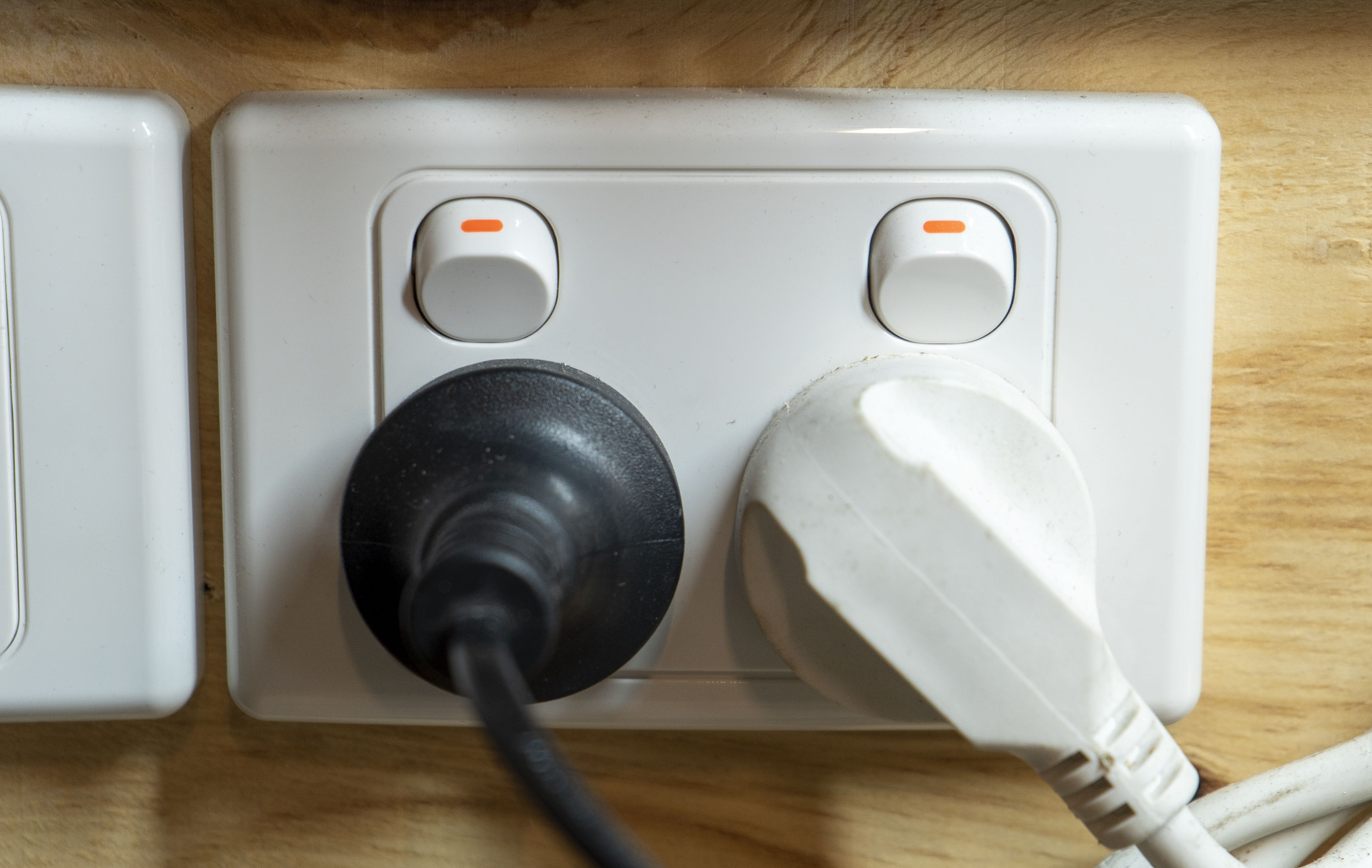
This resolved the issue
- Return the charger to operations.
This did not resolve the issue
- Continue to Step 2.
Step 2: Try another power outlet
- Try connecting the headset charger to another power outlet.
- If the charger works you will need to have the power outlet it was originally connected to looked at by an electrician.
This did not resolve the issue
- Continue to Step 3.
Step 3: Contact Client Services
- Log a ticket to Zero Latency Support.
Article Keywords/Phrases:

Headset charger issues
Headset charger problems
Headset charger not working
Comments
0 comments
Article is closed for comments.