Notifications Overview Follow
Introduction
Any global performance issues or changes that occur will be highlighted in the notifications tab. Any critical outages will be clearly visible by a red banner on the bottom of the dashboard.
Who can use this feature?
Any user that has access to the Zero Latency Portal can use this feature.
If you do not have an account, please speak to your Operations Manager.
How do I access the "Notifications" page?
Understanding the Notifications
Training Videos
- Click on the play button to watch the Notifications Overview video.
Info
To view the chapters and timestamps, please watch this video directly on YouTube.
How do I access the "Notifications" page?
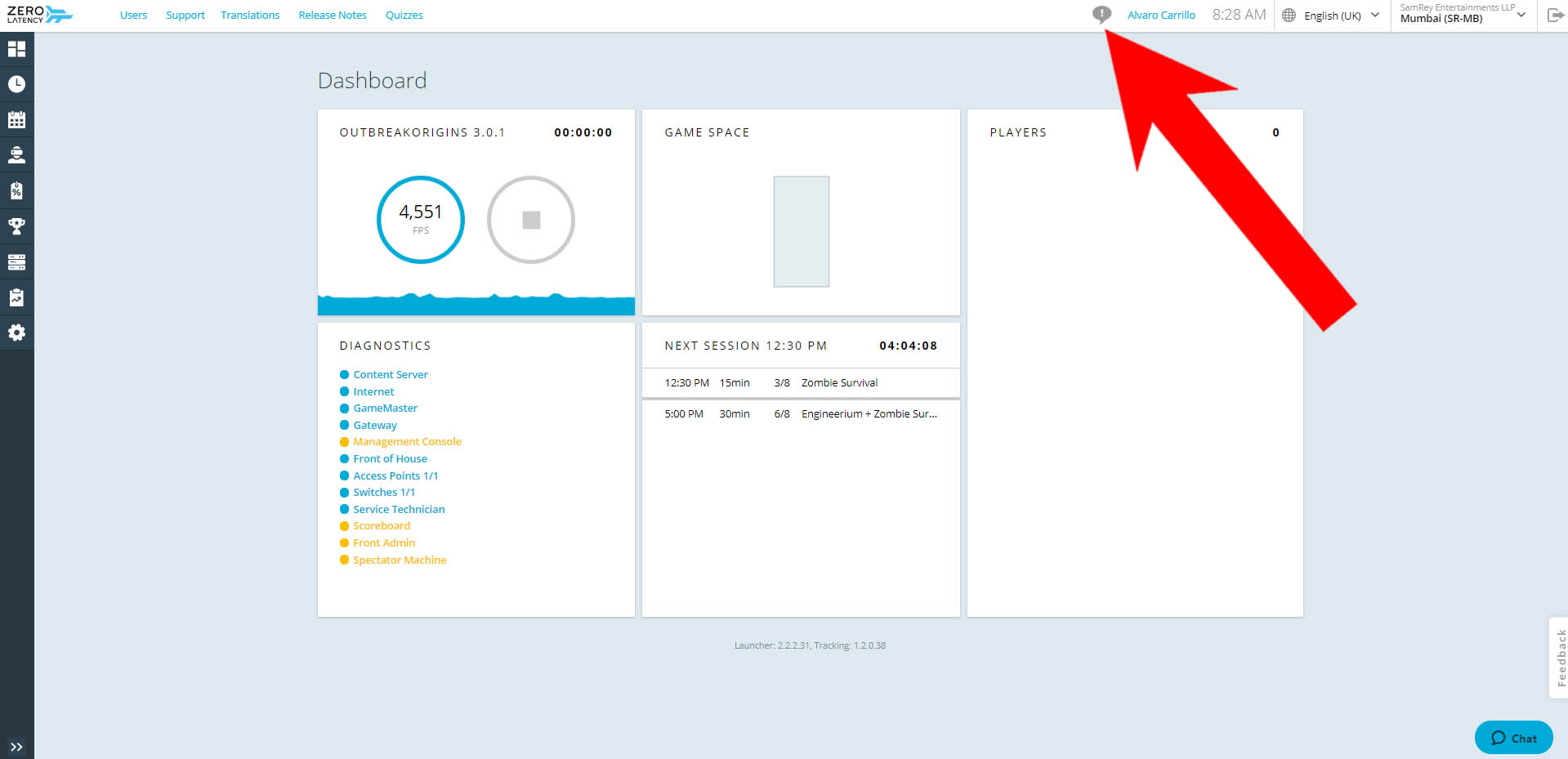
- Click on the "Notifications" icon.
Understanding the Notifications
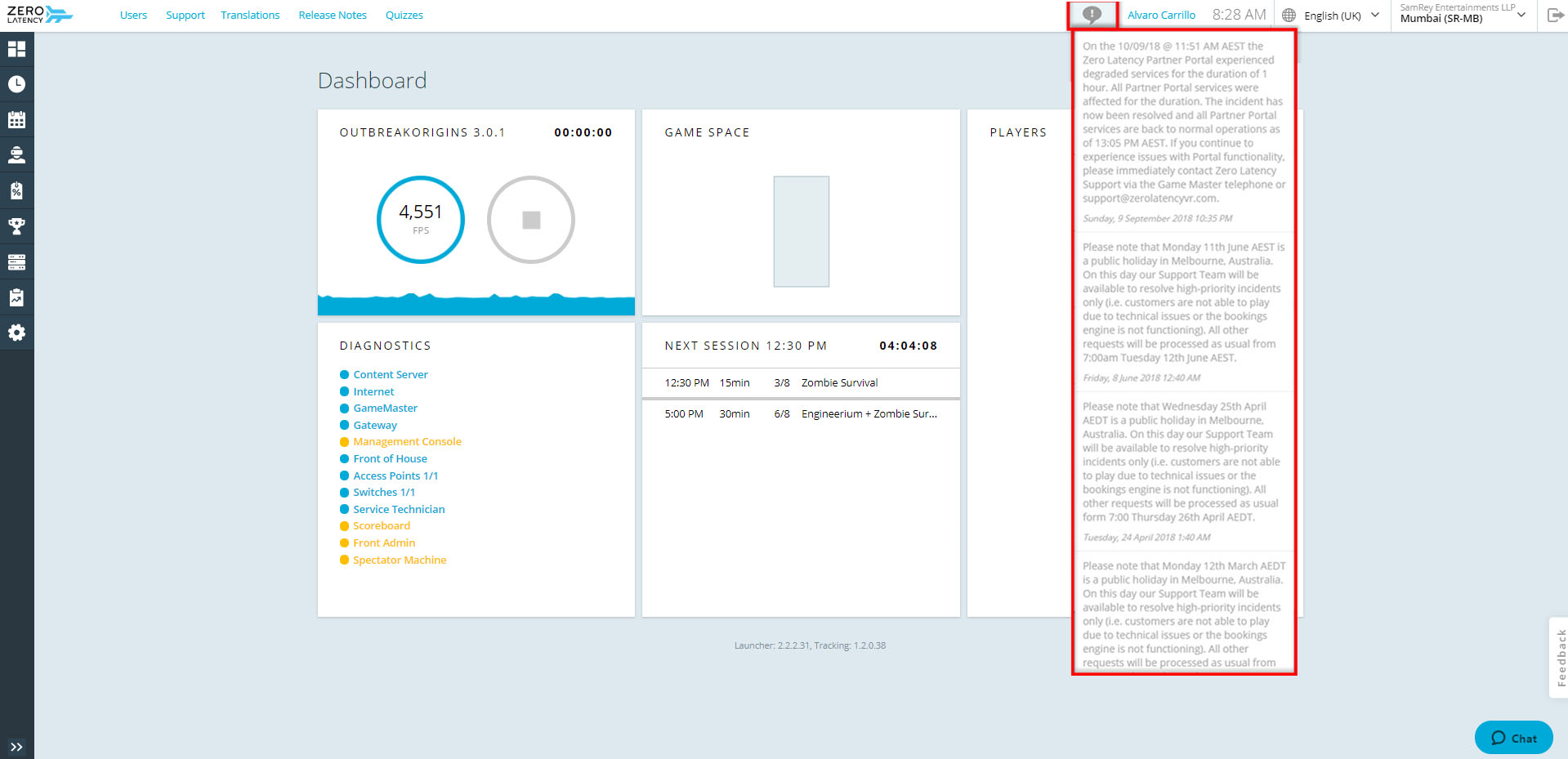
This tab displays all the notifications.
- The list is ordered from most recent.
Caution
If there is a catastrophic issue that could impact gameplay, a large red banner will appear on the bottom of the Dashboard.
Article Keywords/Phrases:

Understanding the notifications page on the portal
Notifications overview
Comments
0 comments
Please sign in to leave a comment.