Singularity: Game Information Follow
Introduction
Duration: 27 minutes + 3 minutes Buffer (30-minute game) - this version applies to rectangle (2:1 ratio) game spaces.
Duration: 12 minutes + 3 minutes Buffer (15-minute game) - this version applies to square (1:1 ratio) game spaces.
Warning
Please note that if you pause the game for too long, the game will spawn fewer enemies to speed up the gameplay.
Best new game award winner! A secret military space station has gone dark and it falls on you and your team to investigate why. No signs of life remain…well, human life anyway. Your journey to space begins, but will the answers you find lead to your end?
Enter an immersive, interstellar-themed shooter where you'll fight to the death against robots, killer drones and gun turrets as you explore the narrow corridors, lifts and zero-gravity environment of the space station. Your gravity boots may keep your feet firmly planted on the floor – or walls – but this intense space simulation will leave you feeling out of this world.
Wreak havoc on your robotic enemies with four weapon modes (scatter, beam, pulse rifle, or rail gun), all-powerful enough to obliterate anything in your path. You'll also be equipped with a deployable force shield that’ll keep you protected under heavy fire. Remember to work together with your team and find the answers you're looking for.
What types of enemies will I face?
How do I protect myself in the game?
What other features are there?
The game trailer
Click on the video to watch the Singularity Trailer.
How does the game work?
- This game is designed to be a level based.
- You progress through different parts of a space ship.
- There will be many different enemies that you encounter along the way.
How does the game progress?
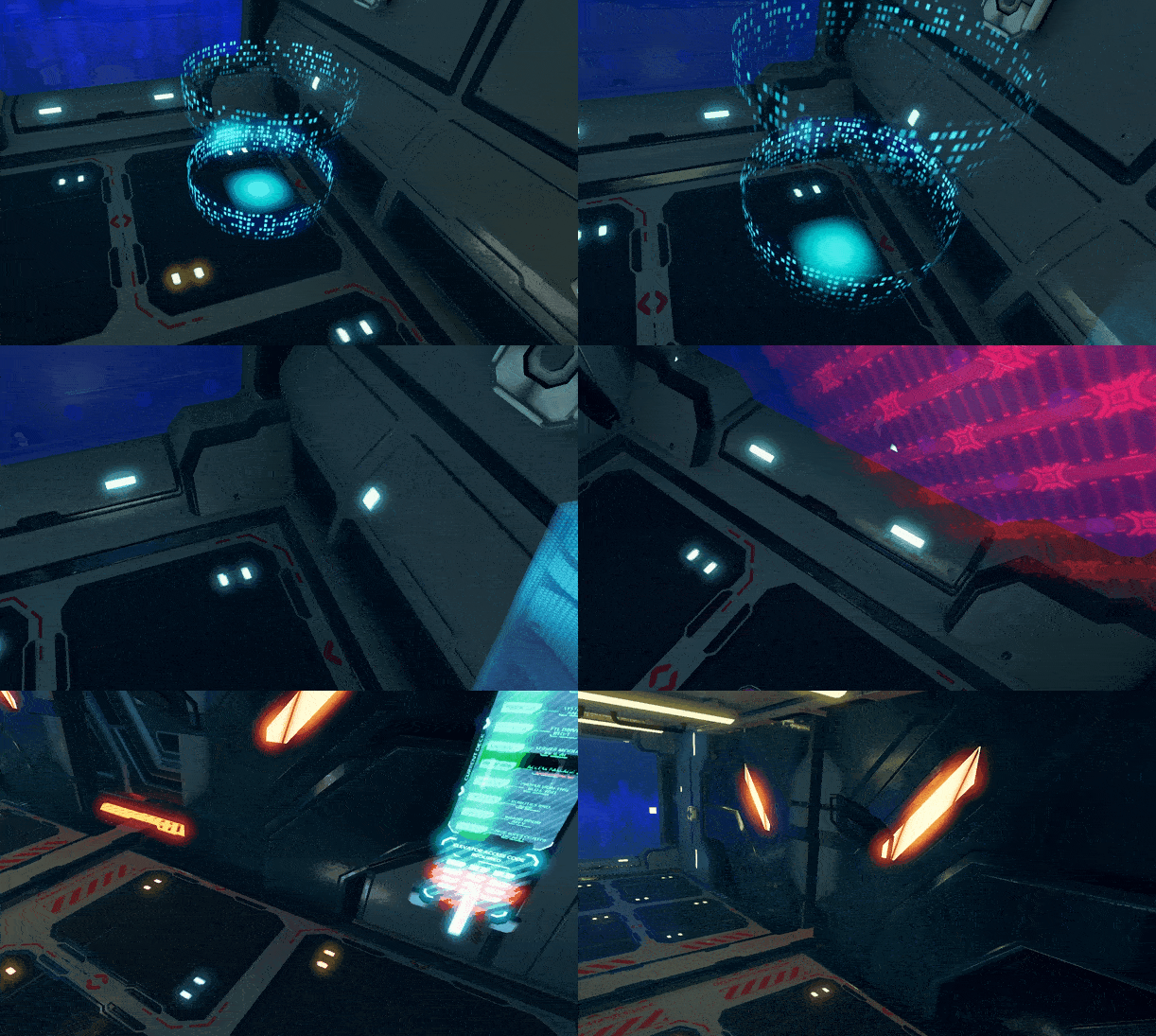
Waypoints
- They will walk, run or crawl.
- They will attack in large hordes.
- They are easier to kill.
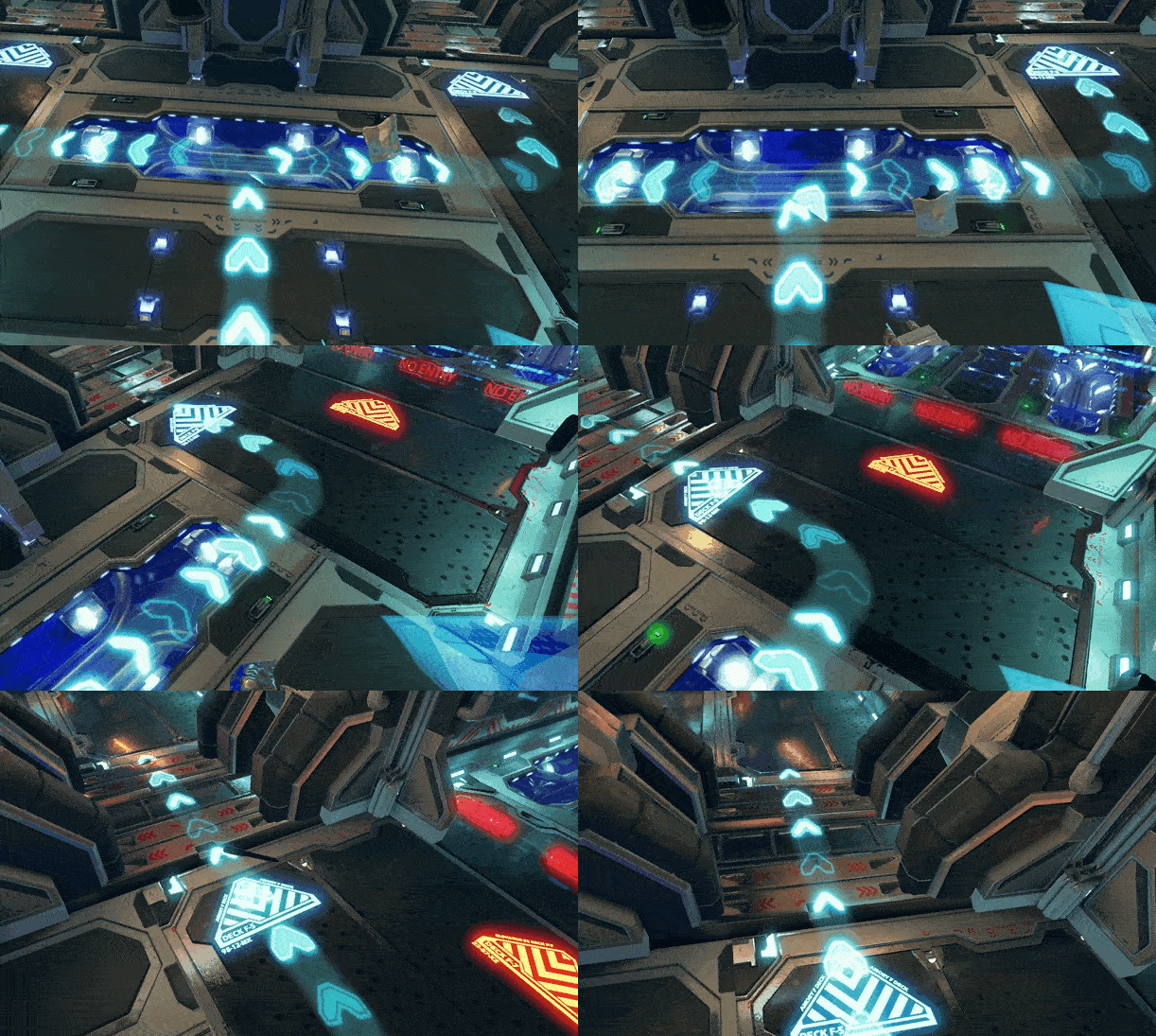
Arrows
- There are arrows on the floor that will guide you to the next objective.
What types of enemies will I face?
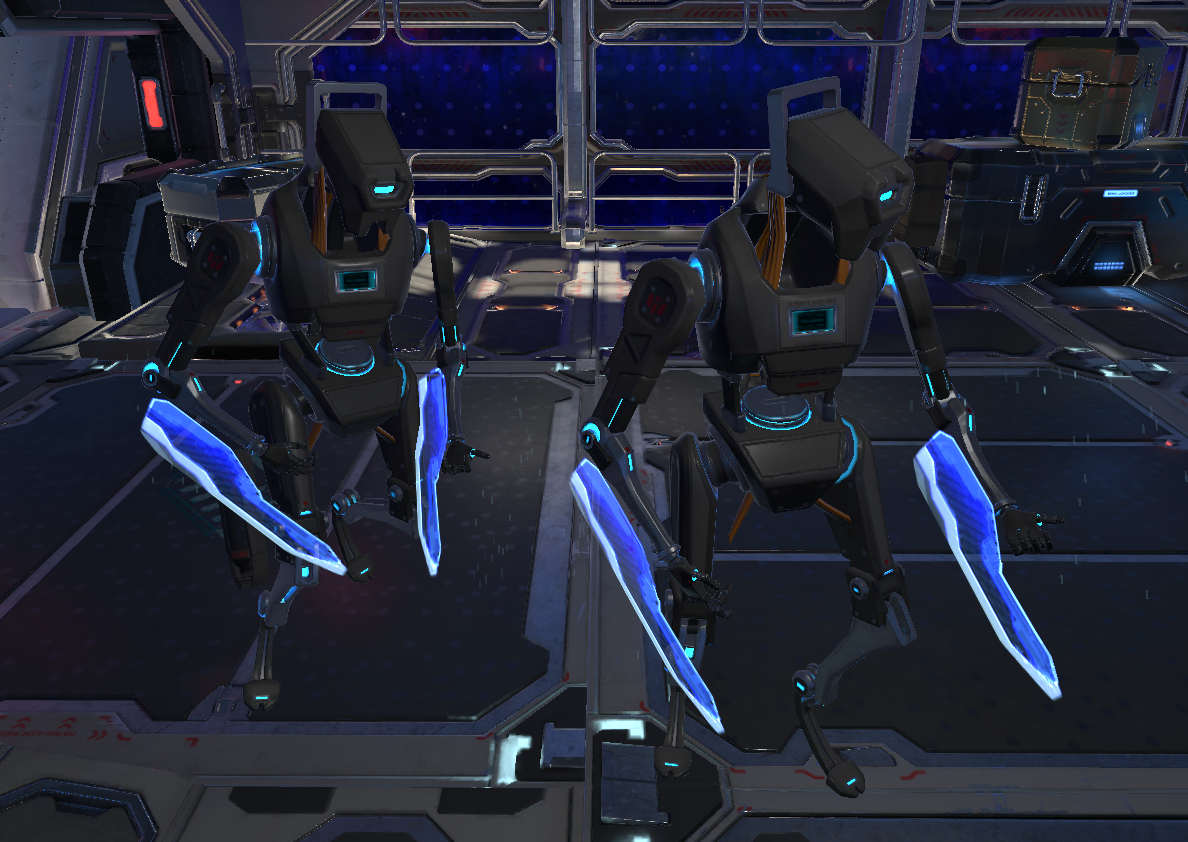
Humanoid Robots (melee)
- These enemies will charge at you.
- They will attack you with their swords.
- They are blue in colour.
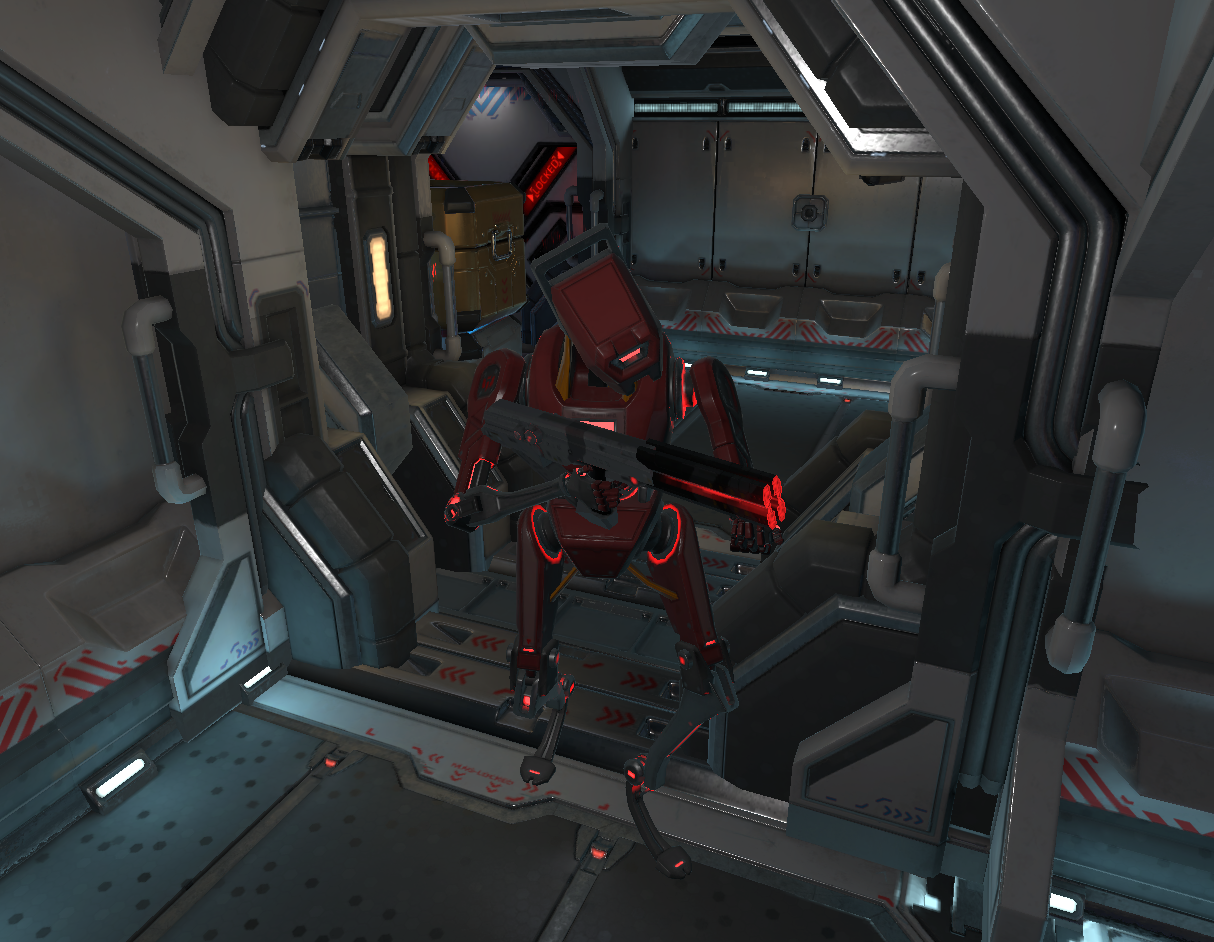
Humanoid Robots (ranged)
- These enemies will shoot at you from a distance.
- They are red in colour.
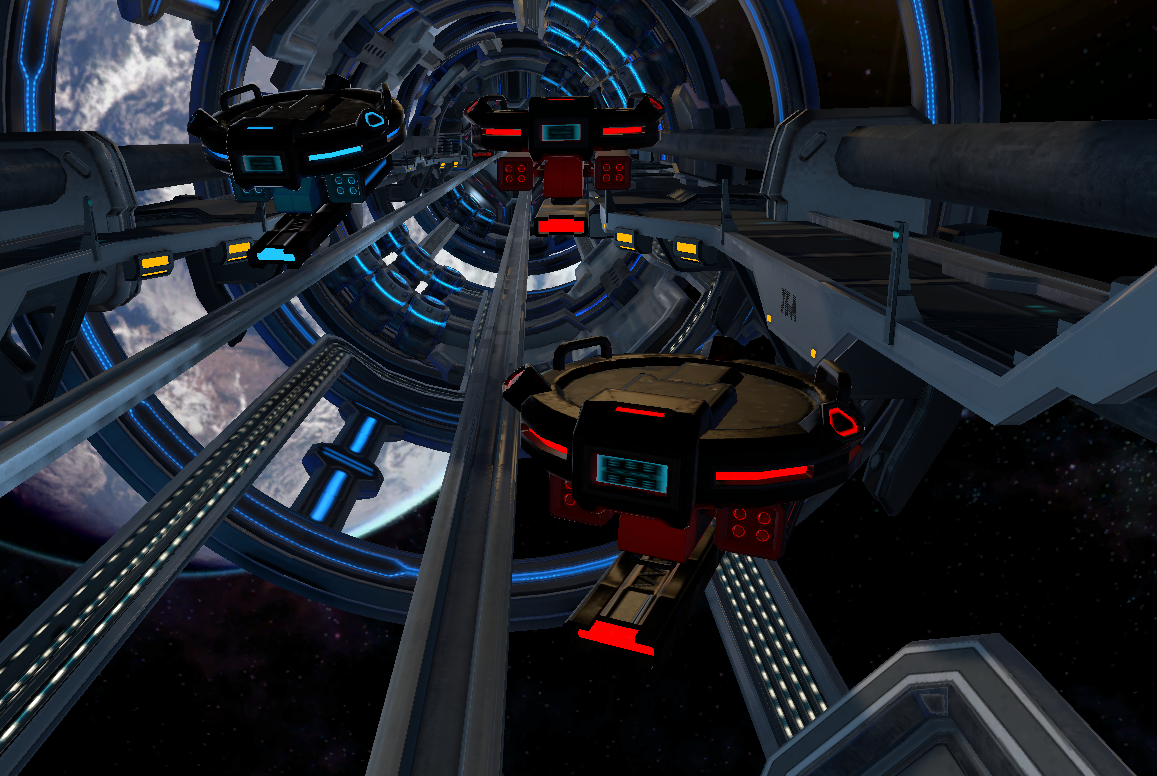
Drones
- These enemies hover around you.
- They will shoot at you with their guns.
- They fly in groups.
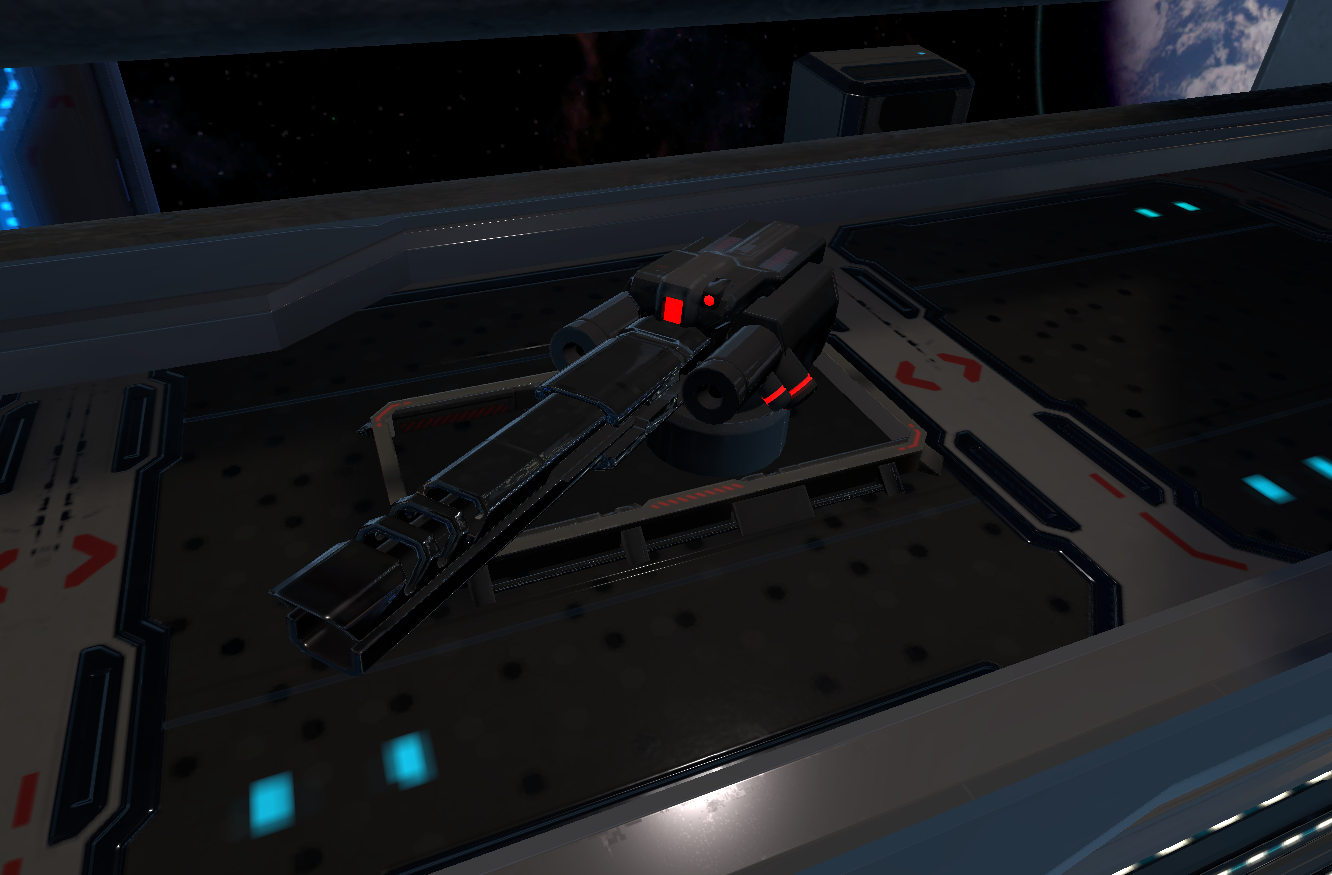
Turrets
- These enemies are stationary.
- They will shoot at you from a distance.
- They have laser beams.
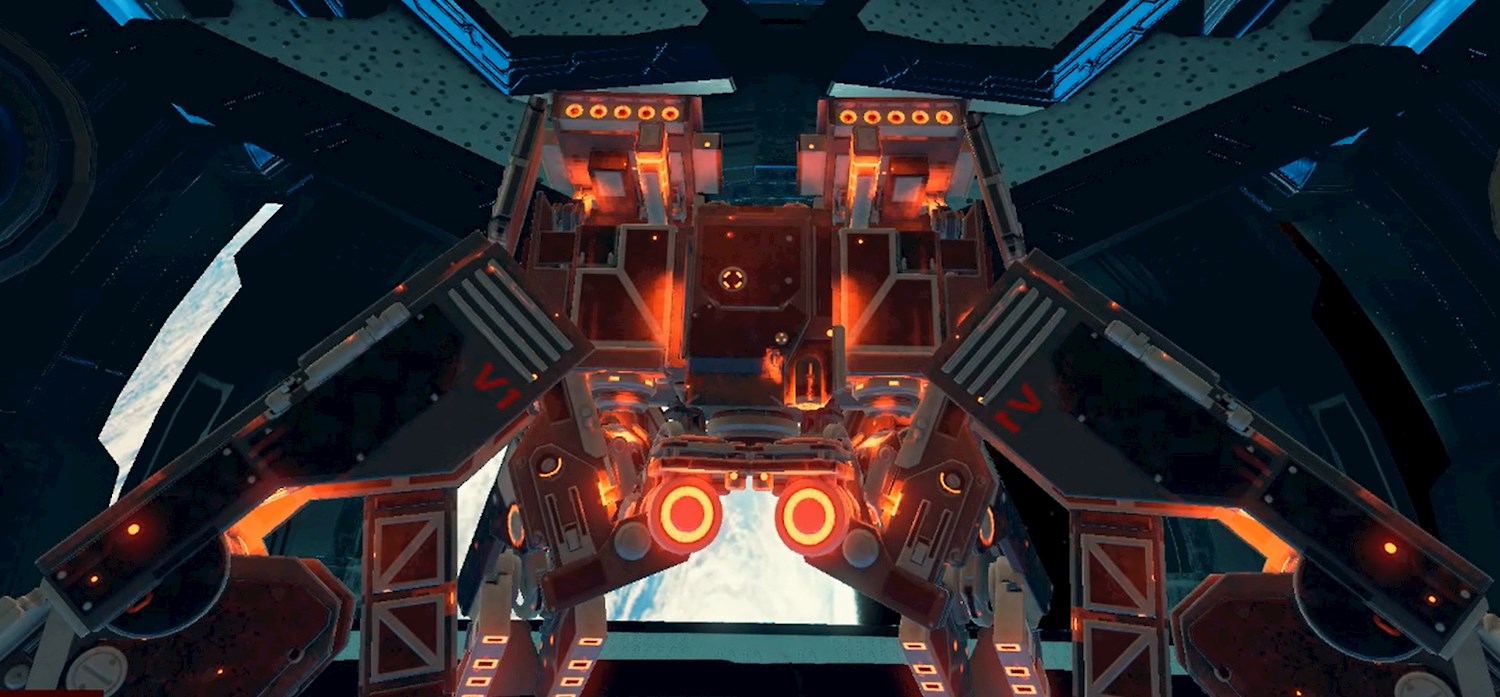
The Boss
- Shoots powerful laser beams.
- Shoots rockets.
- Sends out drones.
- Has a defence mechanism.
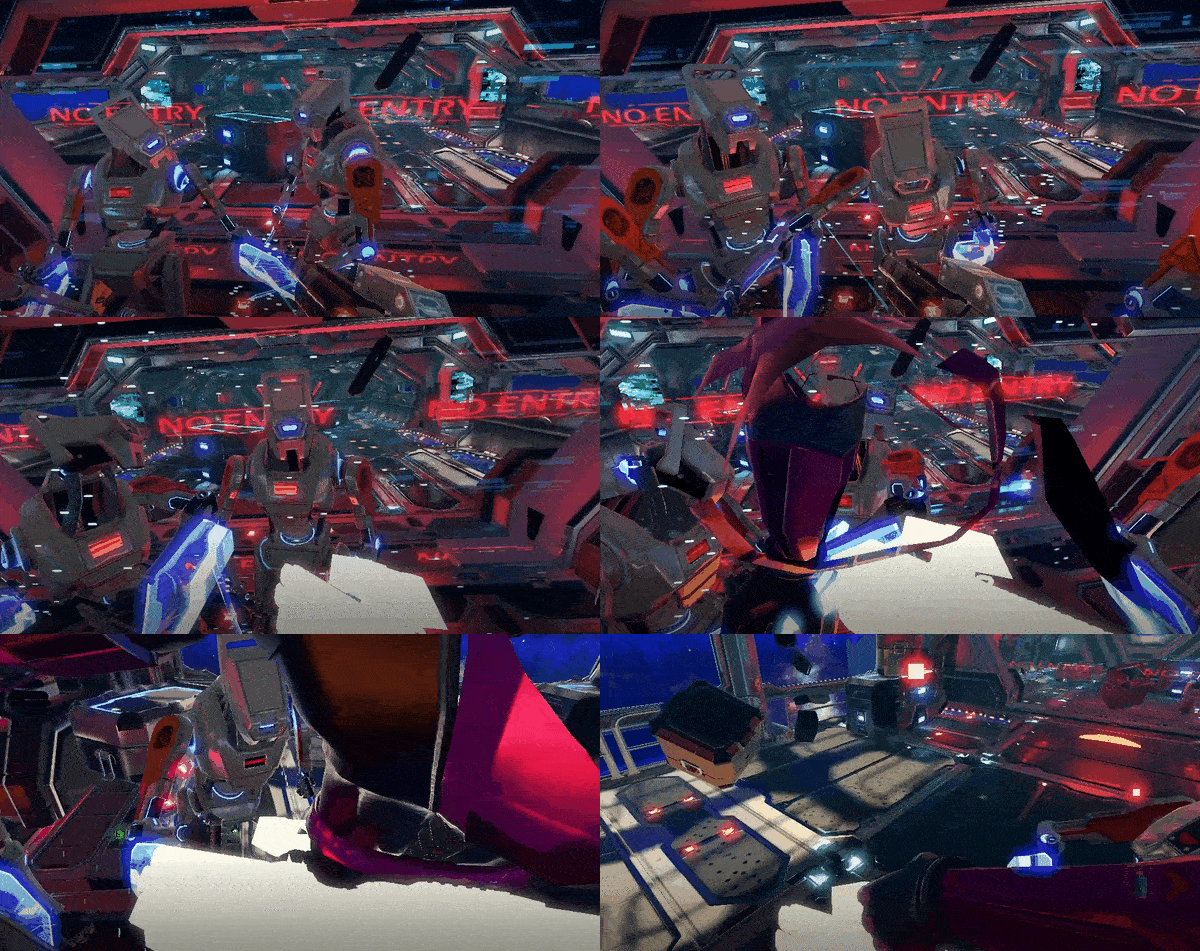
What happens if I die?
- When killed by an enemy, the player will turn into a "white" ghost and remain dead for 10 seconds. The player will remain visible to the team and will be able to walk around however will not be able to shoot.
What weapons do I get?
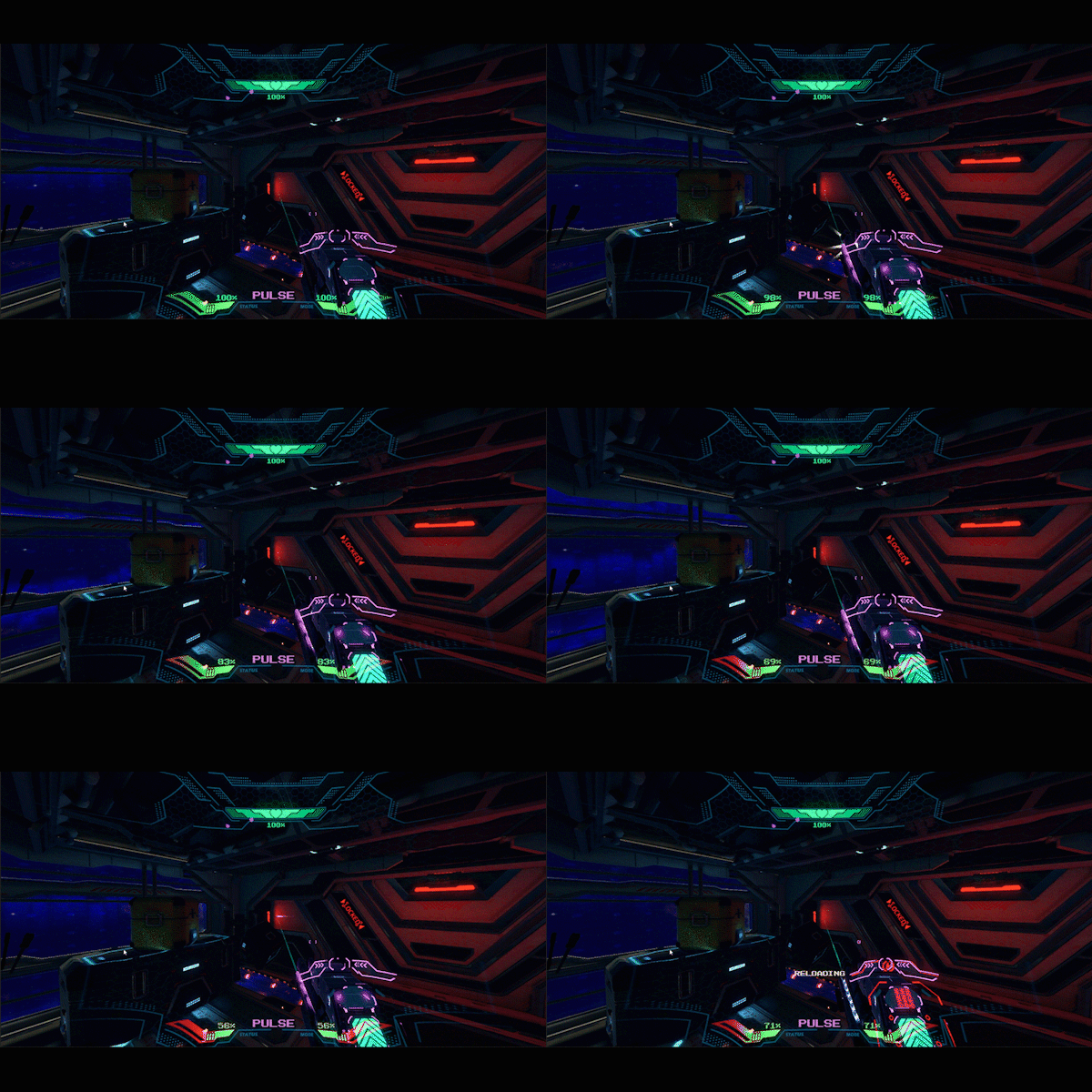
Pulse
- More ammo.
- An assault rifle weapon.
- Purple in colour.
- Pull the trigger to shoot.
- Automatically reloads but you can manually reload.
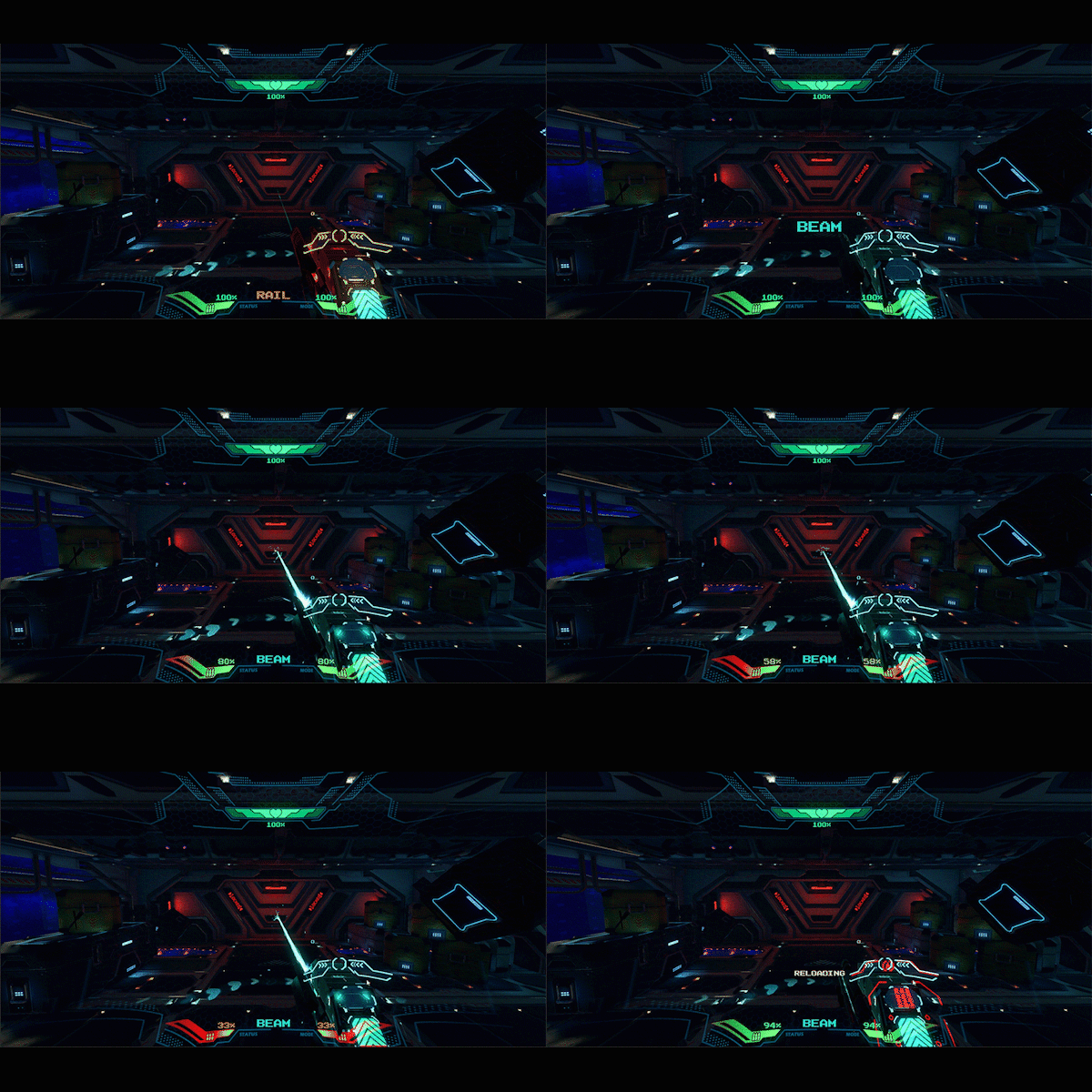
Beam
- Shoots a constant laser beam.
- Blue in colour.
- Pull and hold the trigger to shoot.
- Automatically reloads but you can manually reload.
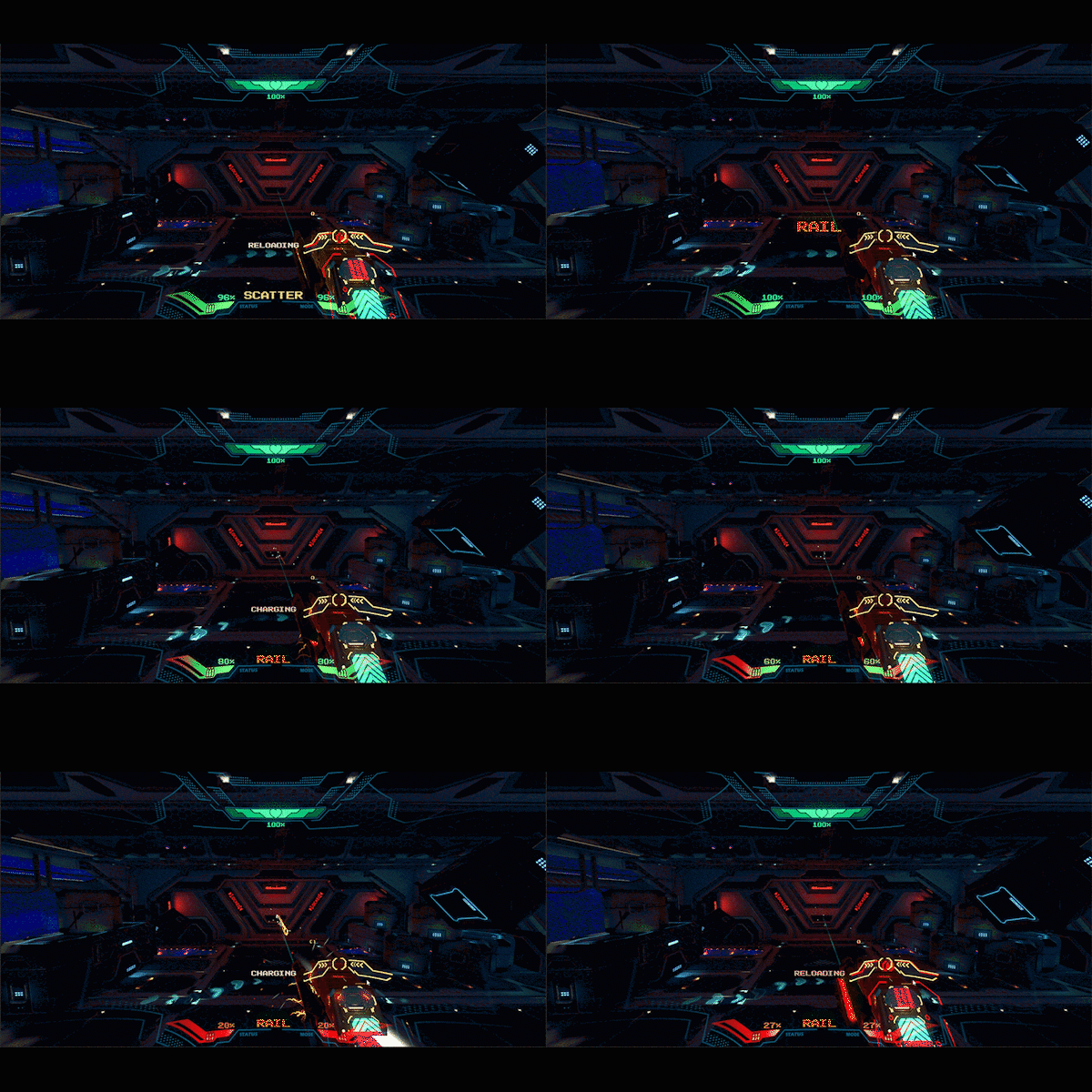
Rail
- Slowest weapon (charges up before each shot).
- Red in colour.
- The most powerful weapon (one-shot kill).
- You need to wait for it to charge and then pull the trigger.
- Automatically reloads but you can manually reload too.
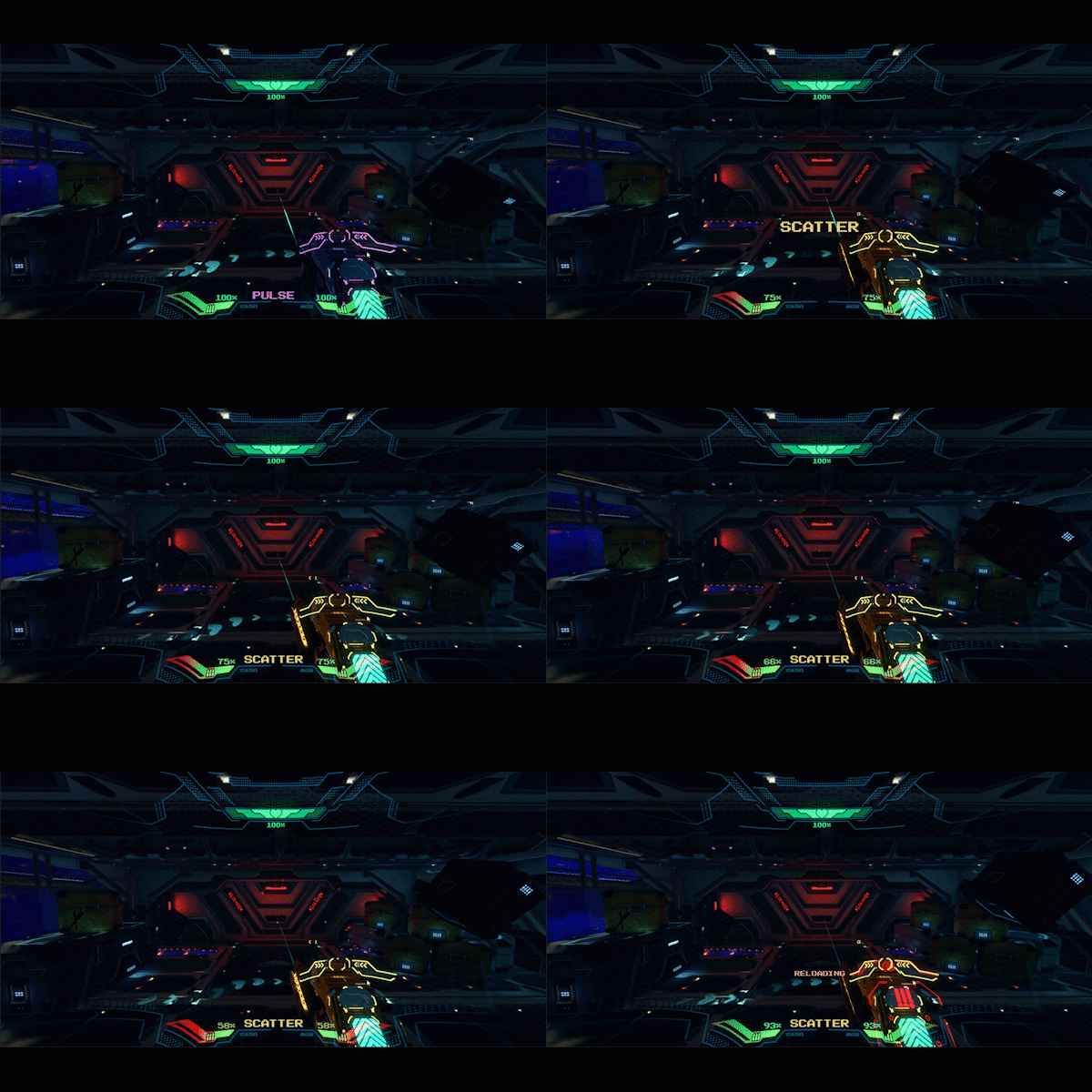
Scatter
- A shotgun type weapon.
- Yellow in colour.
- Very powerful but close-range.
- Pump before each shot.
- Automatically reloads but you can manually reload too.
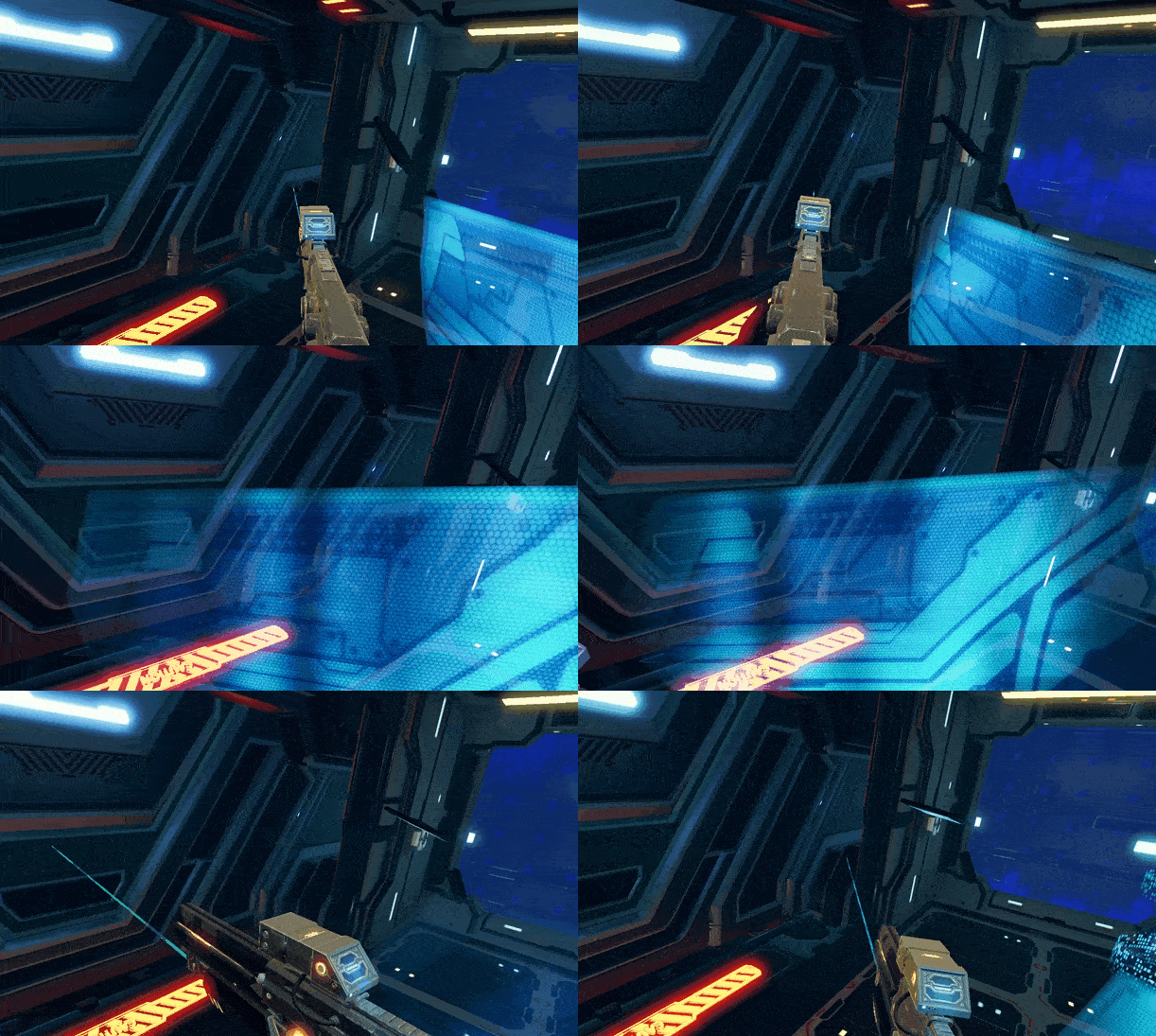
How do I protect myself in the game?
- Each player has a shield on the side of their weapon.
- Hold the weapon across your body to activate the shield.
- Crouch to cover more of your body.
What other features are there?
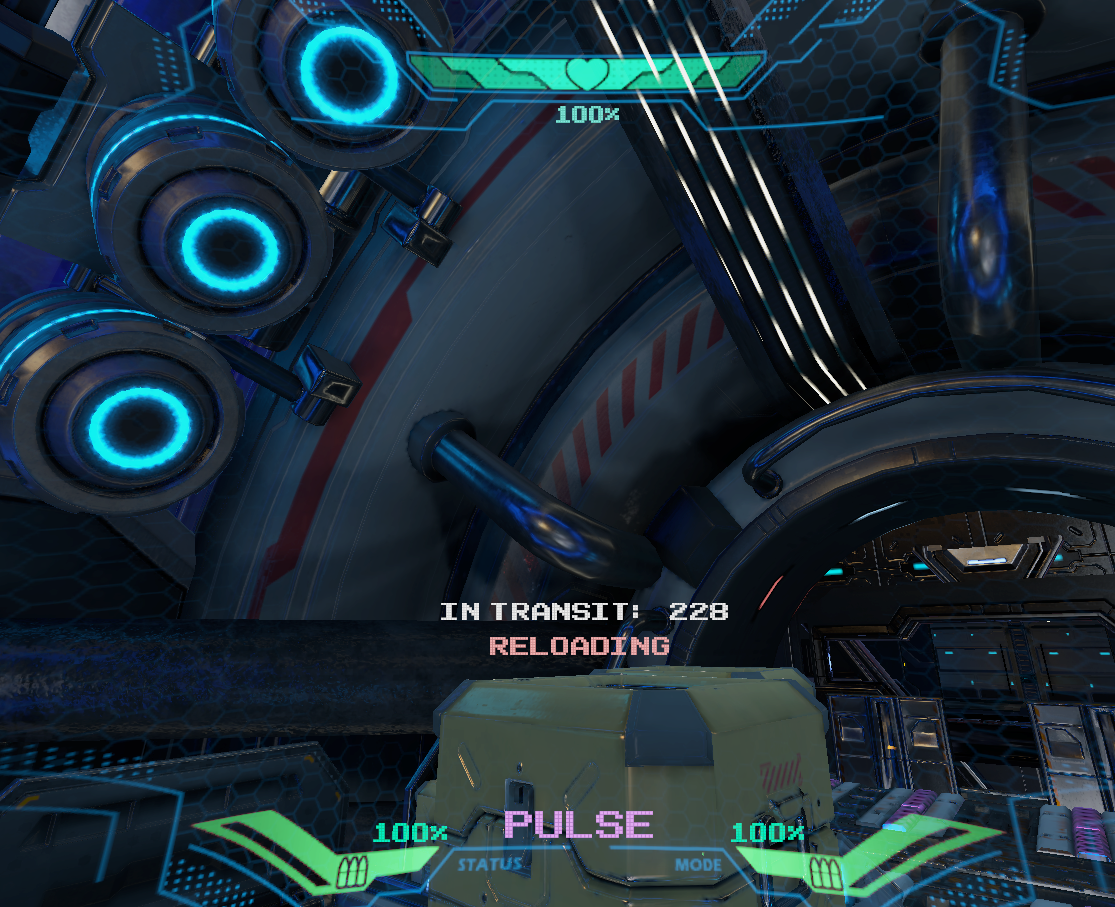
- Each player has a HUD readout.
- It displays health, ammo count, weapon, and the timer.
How do we keep players safe?
Game Rules
- No running or jumping.
- No sitting or lying on the floor.
- No alcohol or drugs.
- Both hands on the controller at all times.
- If heavily pregnant or have a serious medical condition, tell the Host.
- This experience can be intense. If the player is overwhelmed allow them to remove their goggles and raise their hand so the Host/Runner can assist.
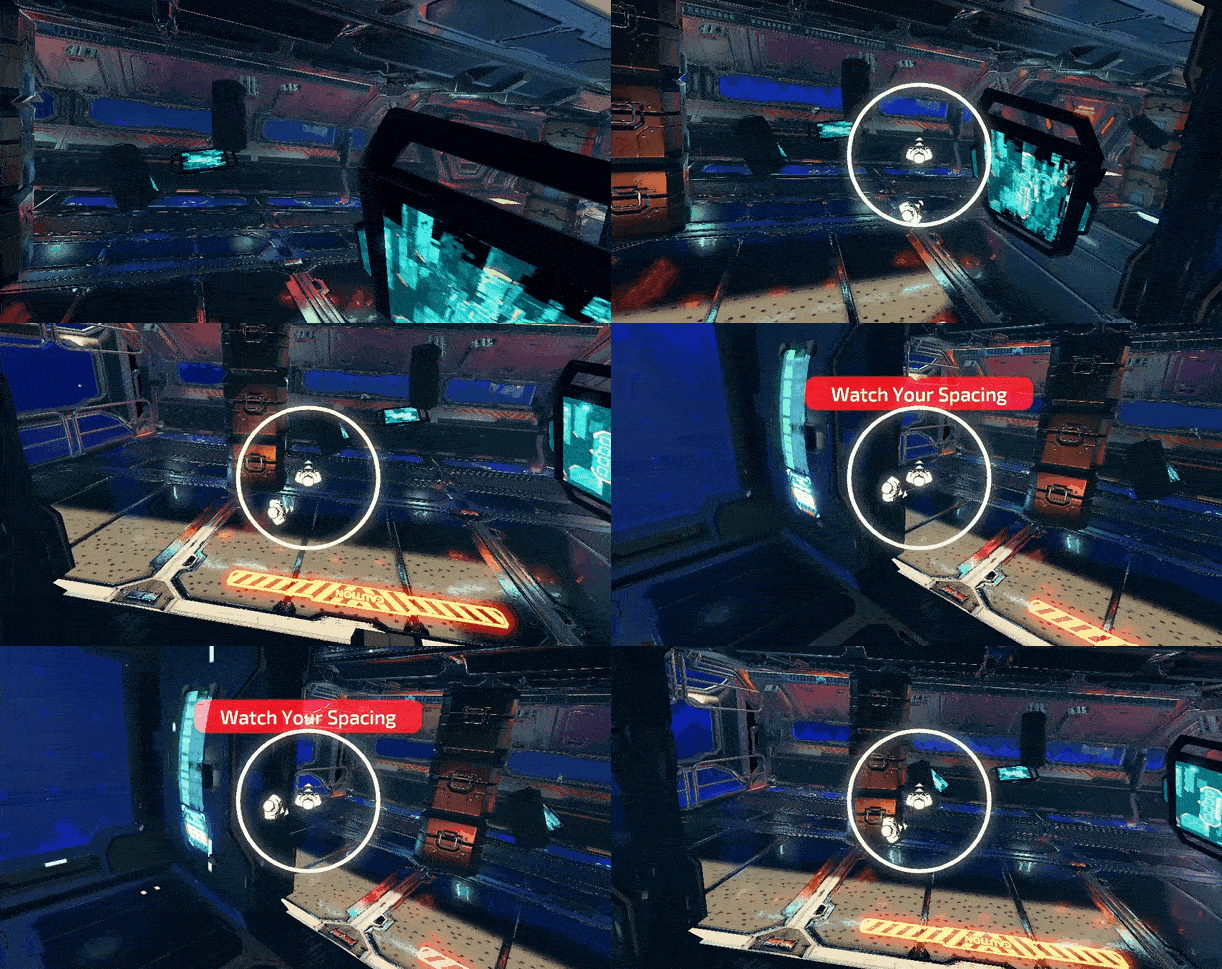
Player Proximity Alarm
- When too close to another player, a radar will appear on the player's screen. The "white" figure in the middle represents the player's position in the game and the other "white" figure represents another player. When this radar appears, they must step away from the other player to avoid a collision.
- A "red" warning banner "Watch Your Spacing" will appear and an alarm will sound.
Wall Proximity Alarm
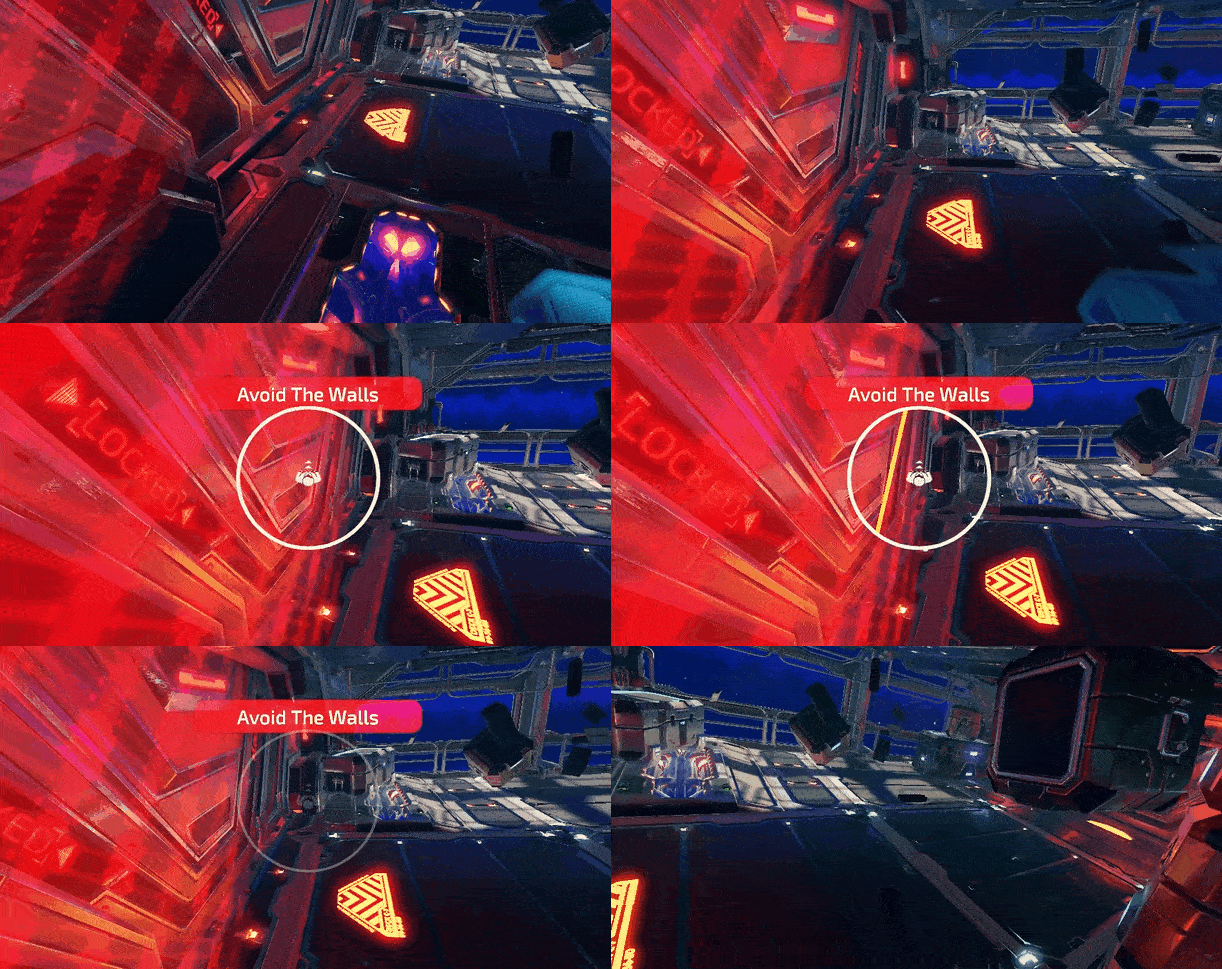
- When too close to a wall, a "red" safety wall will appear with a radar. The "white" figure in the middle represents the player position in the game and the "yellow" line represents the wall. When this radar appears, they must step away from the wall to avoid a collision.
- The game will also automatically pause for all players until they move away.
- A "red" warning banner "Avoid The Walls" will appear and an alarm will sound.
How does the scoring work?
| Description | Points |
|---|---|
| Dying | No Points Lost |
| Melee Robots | 50 |
| Ranged Robots | 150 |
| Headshots | Shoot the robots head off first to get points for an additional kill! |
| Assist | 10 |
| Drones | 60 |
| Turrets | 150 |
| Boss | Points will equal the amount of damage you do (e.g. 1000 points of damage will equal 1000 points) |
Info
Players will not receive the points for a “Kill shot” automatically after scoring a “Headshot”. Players must shoot the body after getting a headshot to receive both.
- This is how the scoreboard will appear for Singularity.
Article Keywords/Phrases:

Singularity
How does Singularity work?
Singularity guide
Comments
1 comment
But why do players move like a frog trying to walk on two legs in the game?
Pretty informative article, but the real questions need answering.
Please sign in to leave a comment.