How do I unlock my Portal account? Follow
Introduction
The Portal has a safety feature to prevent multiple login attempts on your user account.
If you have attempted to login 5 times in a row with the incorrect credentials the Portal will lock your account preventing any further login attempts until it has been reset.
If your account has been locked, the following will provide you with information on how to unblock your account and continue using the Portal.
Why was my account locked?
Your Zero Latency Portal account will be automatically locked if you fail to put the correct password for your account in 5 times in a row.
If this happens you will be unable to access your account until it has been unlocked.
Who can unlock my account?
The only people who are able to unlock your account are:
- Users with admin privileges in your Portal
- Client Service agents
How to unlock account - Admin
- If you have admin privileges on your Zero Latency Portal you can unlock accounts yourself
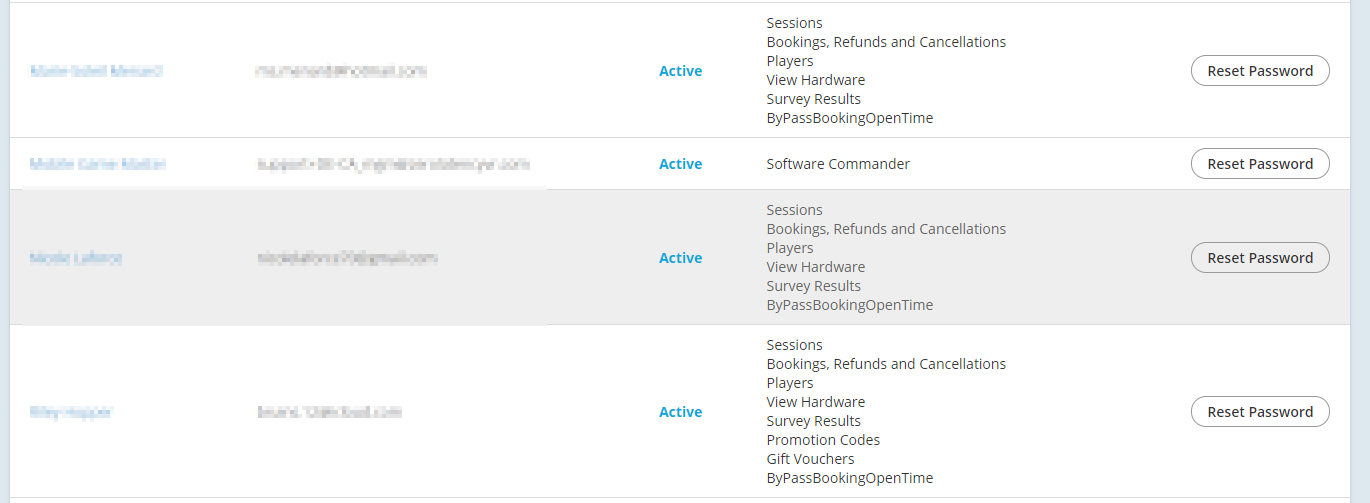
- Go to Users on the top left of the Portal
- Find the user that has had their account locked. Indicated by the grey outline
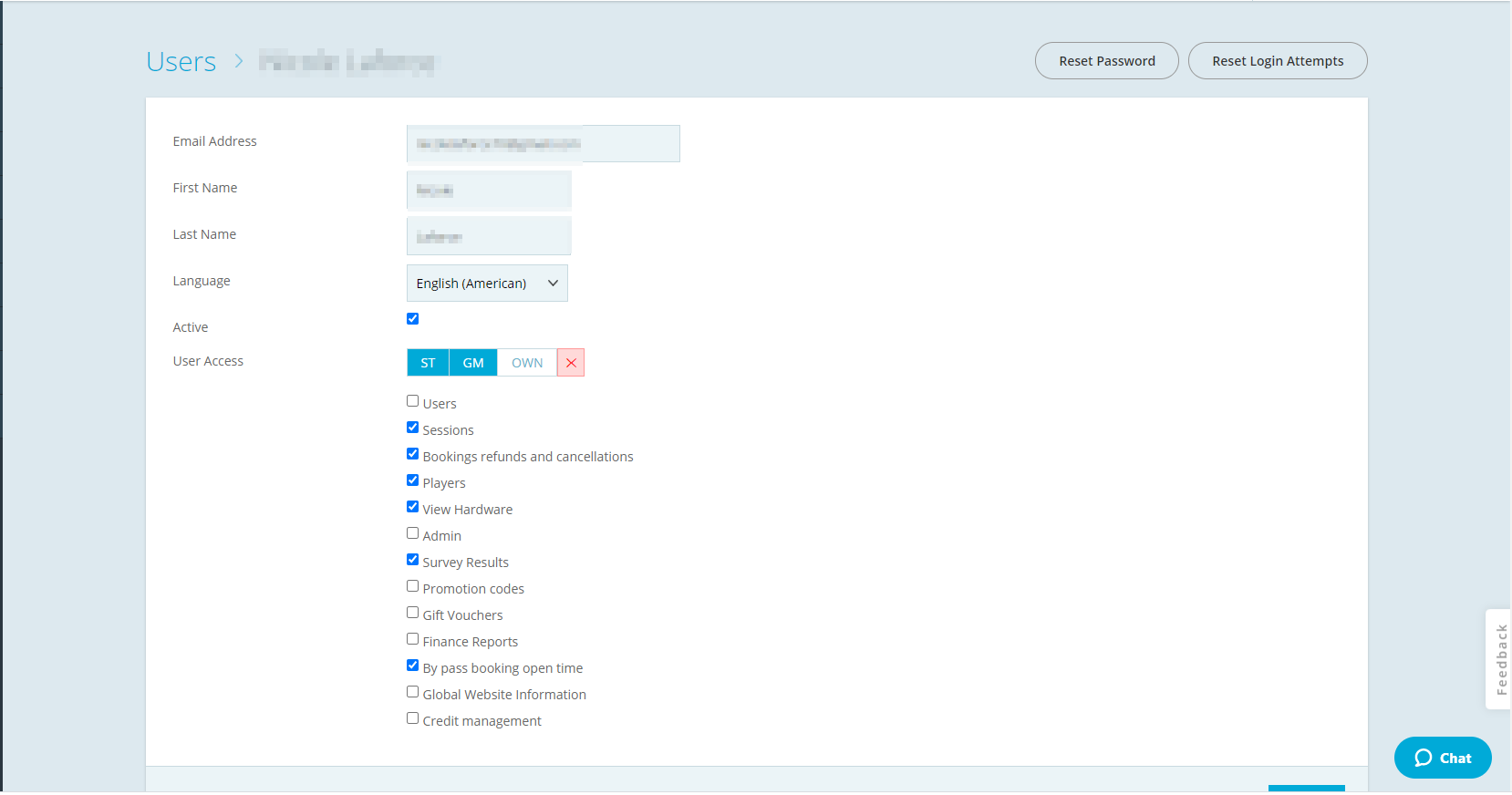
- Click on Reset Login Attempts
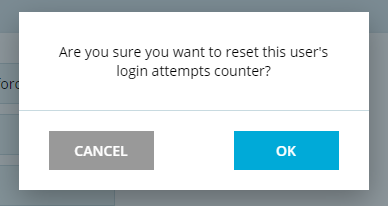
- Click on Ok on the dialog prompt
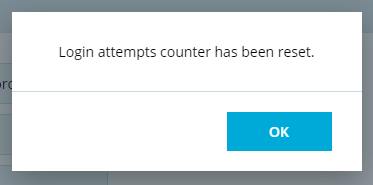
- The account has been unlocked and the user should be able to login
Info
Reset the password for the user to ensure that they aren't locked out again
Article Keywords/Phrases:

Locked out of my account
Unable to log into Portal
Incorrect password attempts
Comments
0 comments
Article is closed for comments.