How do I log into the Hardware Manager? Follow
Introduction
The Hardware Manager has a record of all the issues reported by your team members. The following article will give you the knowledge in accessing the Hardware Manager and allow you to view the current status of all equipment at your venue.
User Login
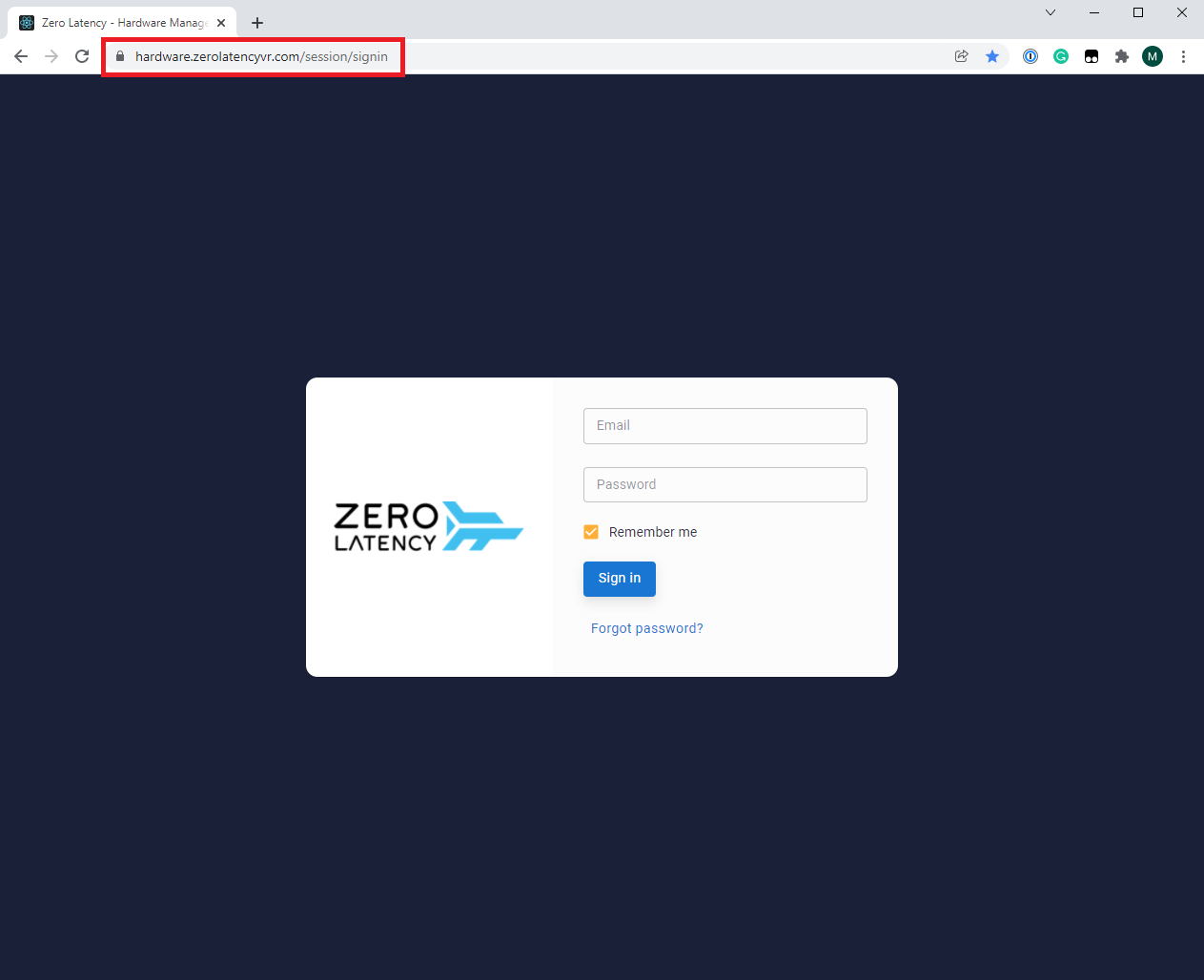
- To log into the Hardware Manager, open a Chrome browser and go to the following URL - https://hardware.zerolatencyvr.com
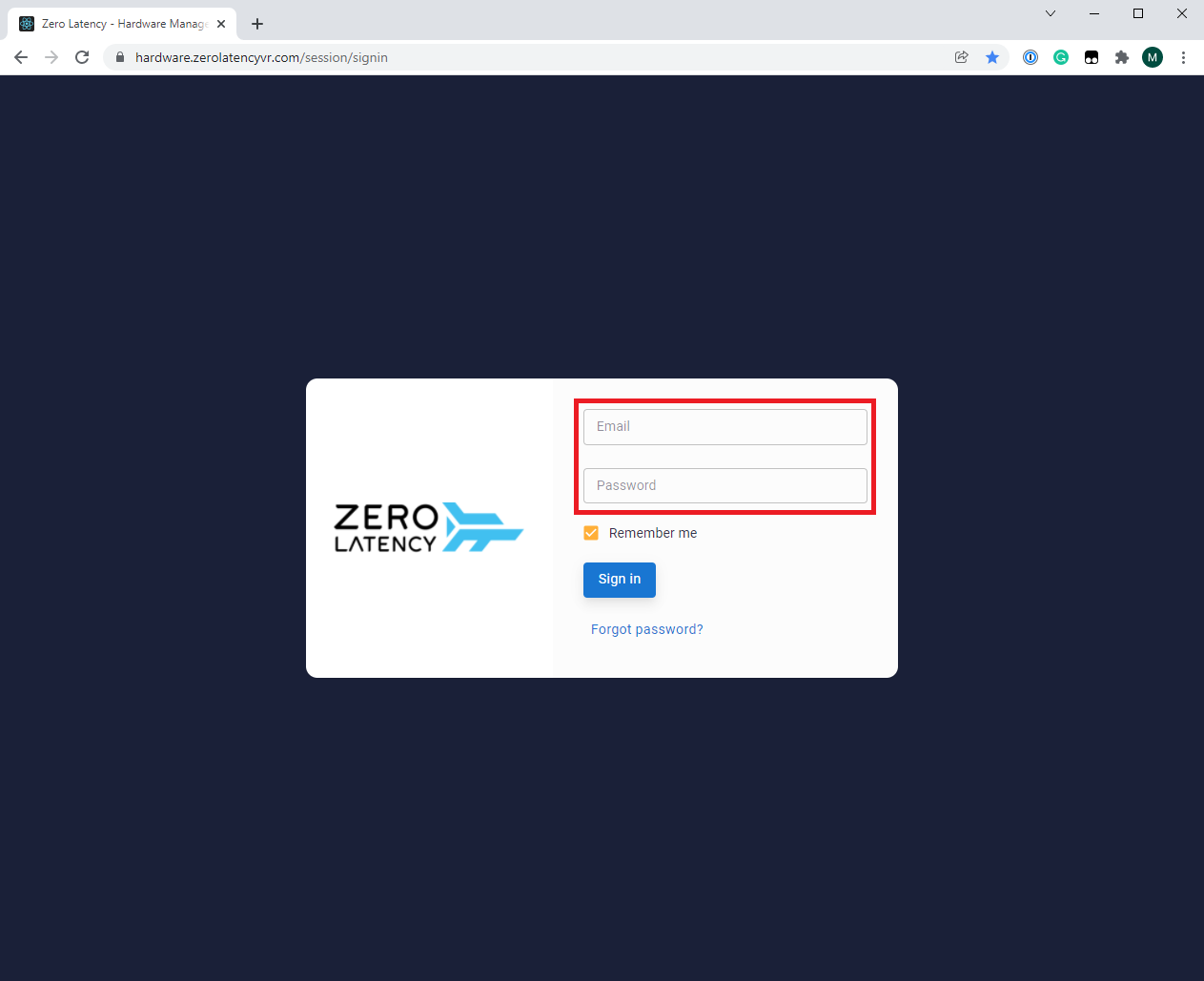
- Log in using your Zero Latency Portal credentials
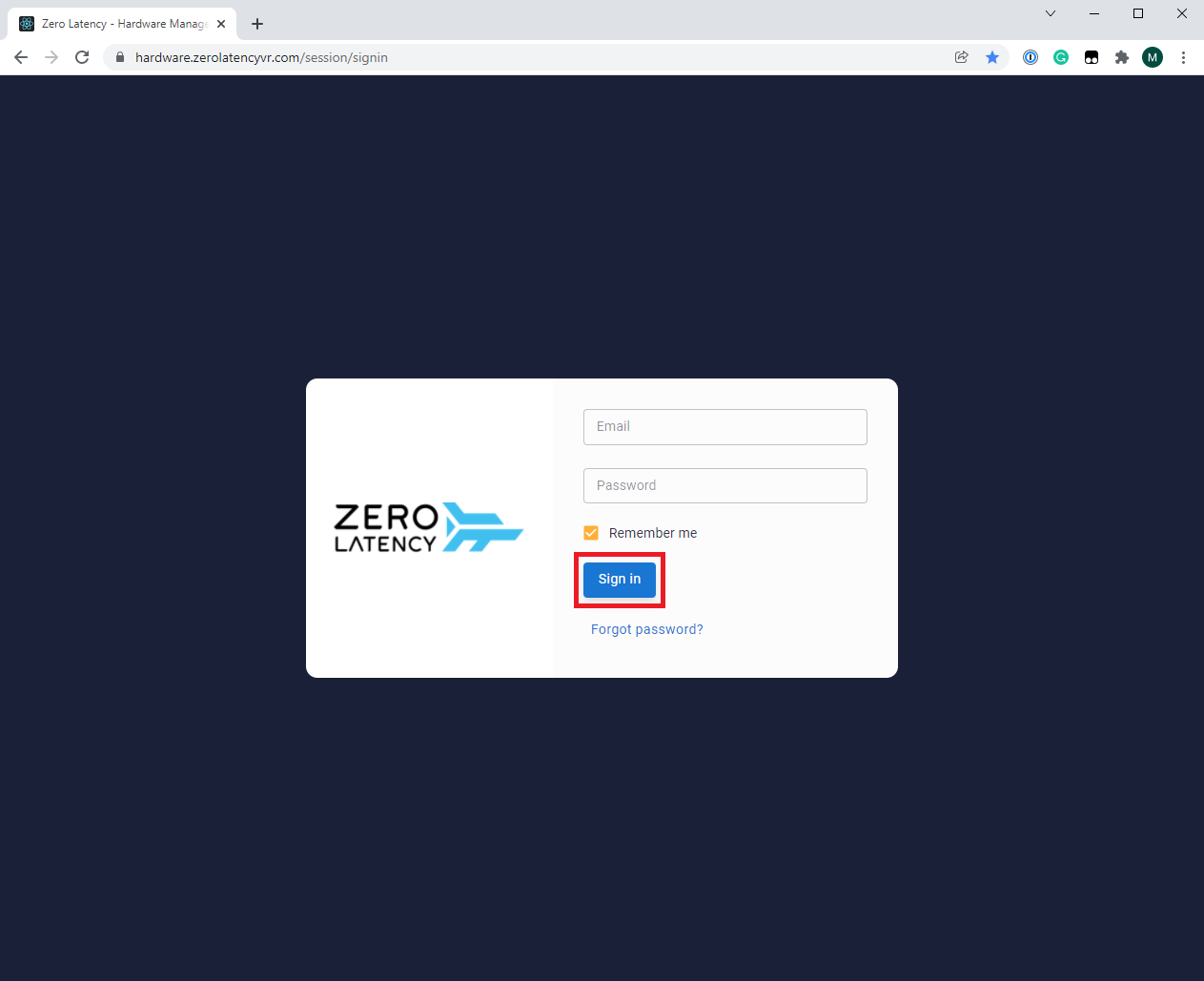
- Click "Sign in" once your details have been filled
Forgot Password
- Click "Forgot Password" if you are unable to login
Caution
Changing your password for the Hardware manager will also change your password to the Zero Latency Portal
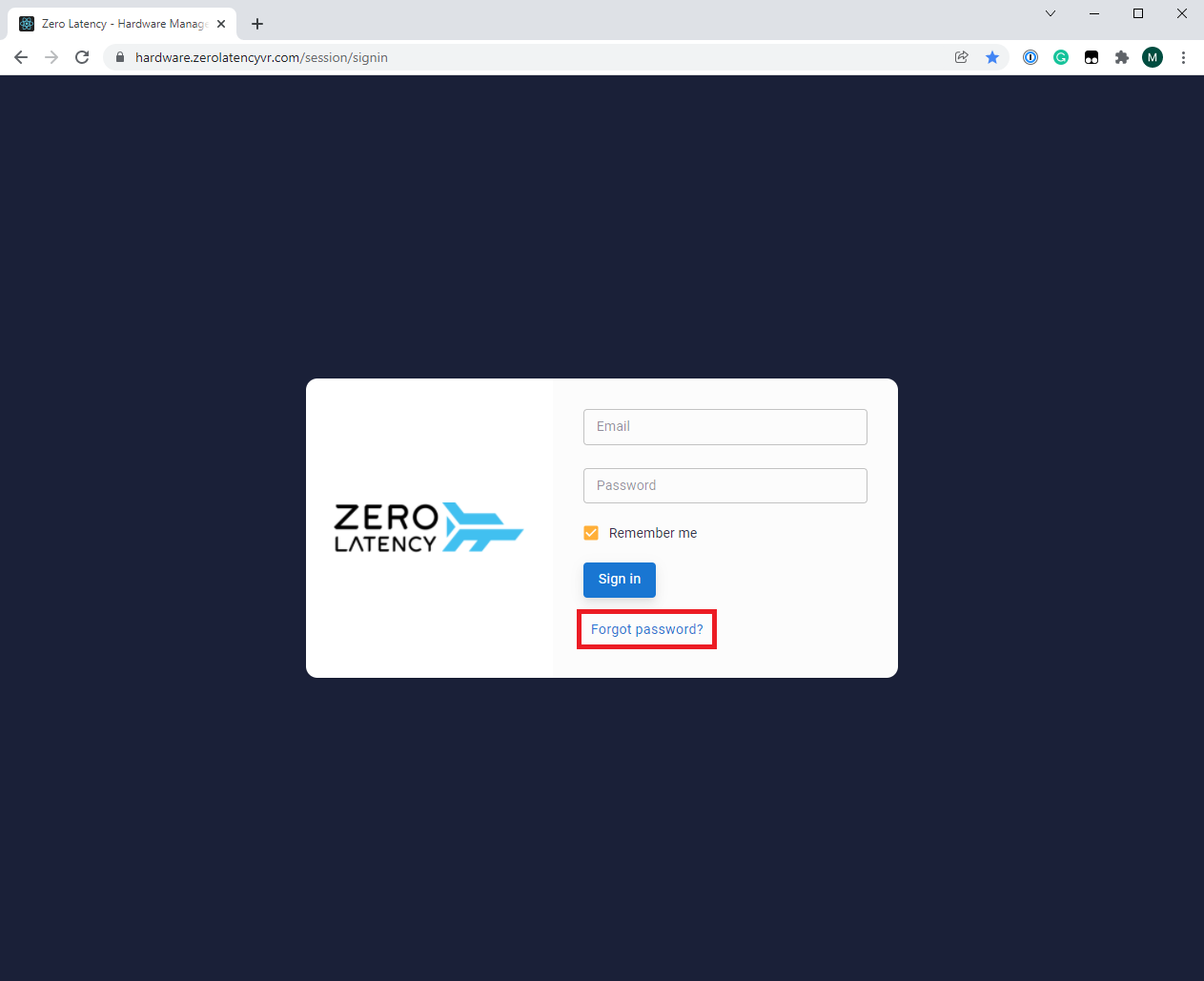
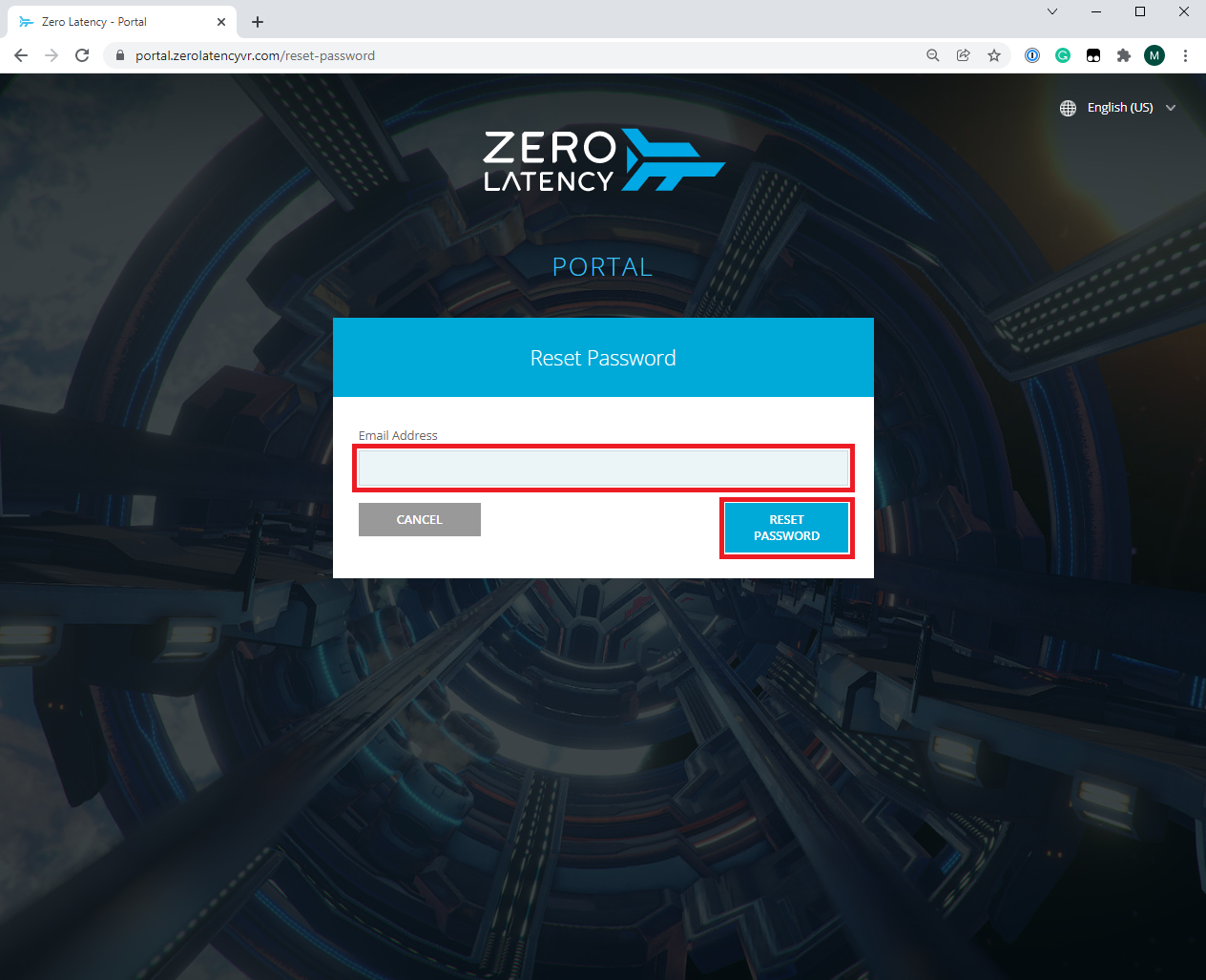
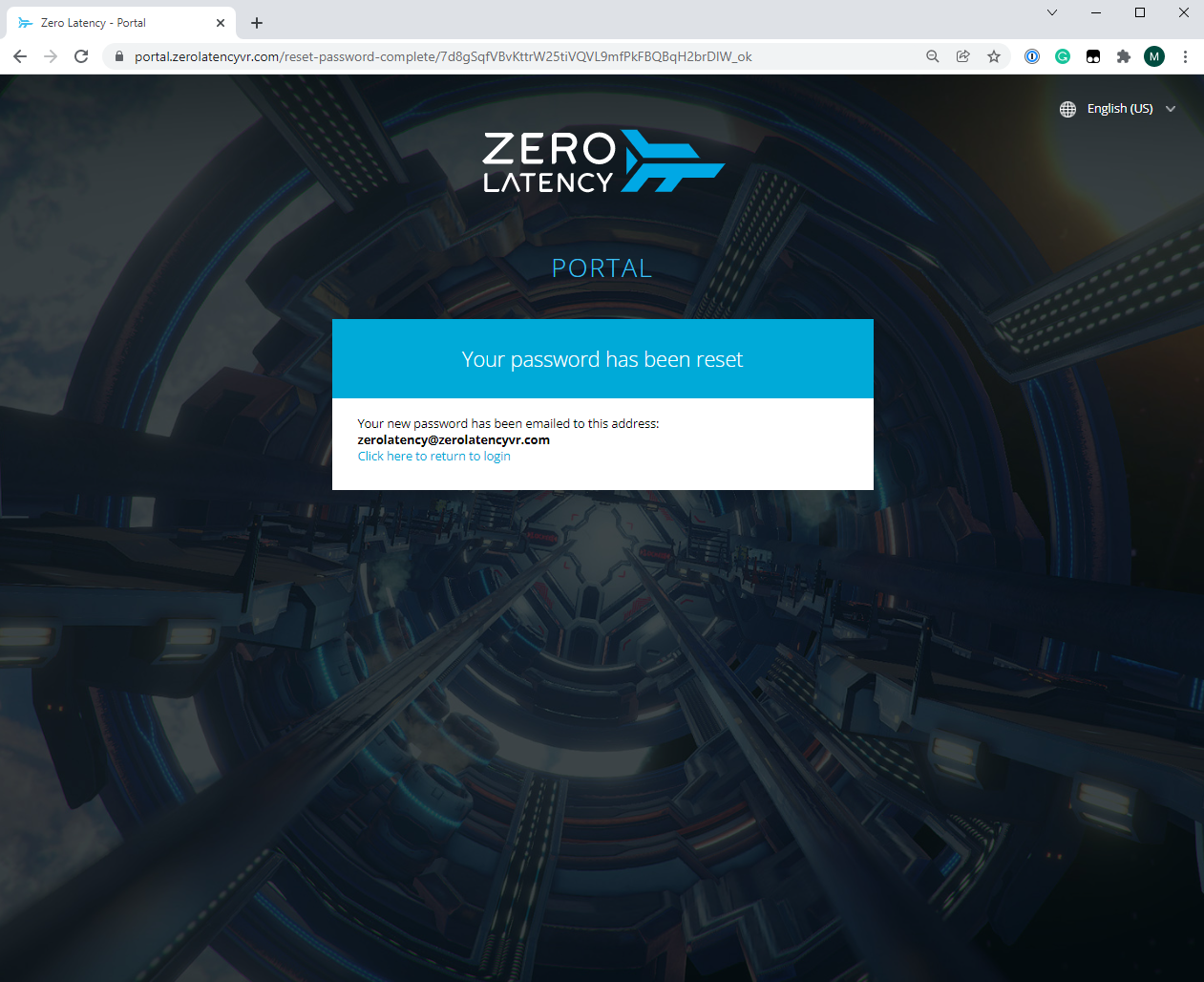
- Provide your Portal email address and click on Reset Password - The steps on resetting your password will be sent to your email
Article Keywords/Phrases:

How to access Hardware Manager
Forgot password
Comments
0 comments
Article is closed for comments.