How do I update the Hand Tracker Firmware? Follow
Introduction
The hand tracker(s) require a firmware update before it can be used with the headset. This is a quick and simple process that can be done at the Game Master Station using a USB-C cable.
Warning
This is a critical step and if not done the trackers will not function.
Time Required
1 hour
Tools & Equipment Required
- Hand tracker
- USB-C cable
Update the Hand Tracker Firmware
Update the Hand Tracker Firmware
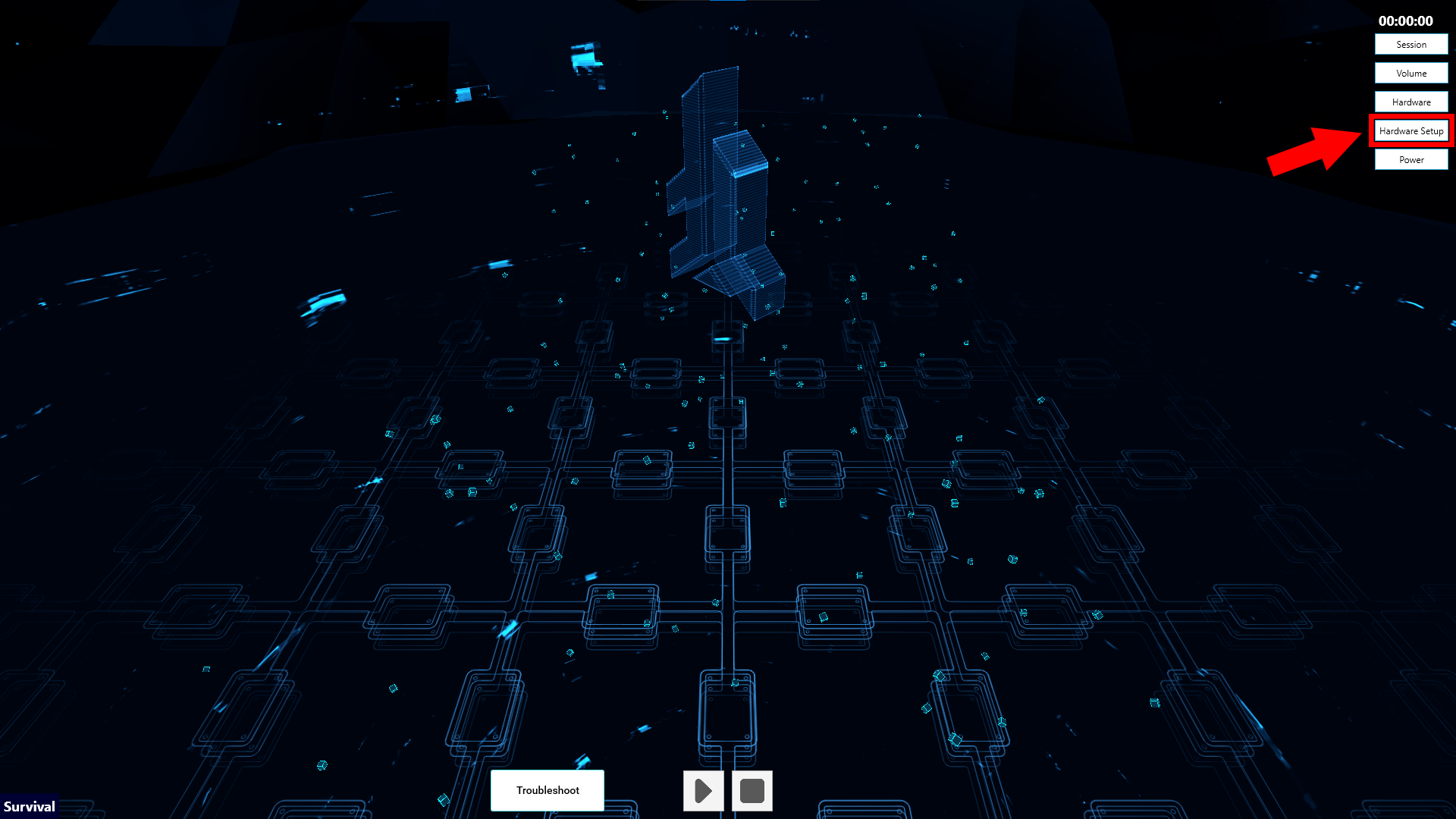
- In the Launcher on the Game Master station, select the Headset Setup option in Settings.
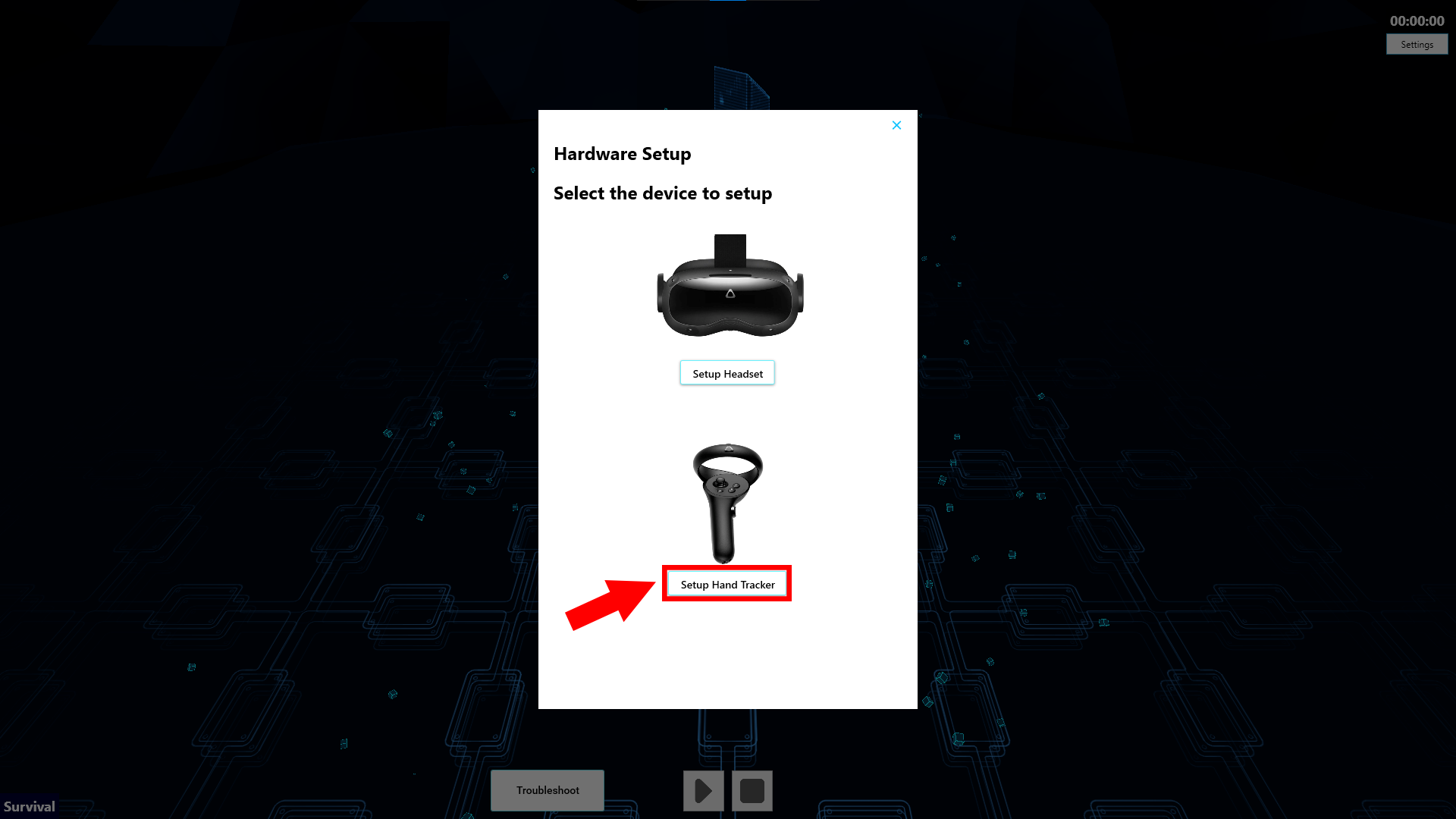
- From the Wearables Setup menu select Setup Hand Tracker
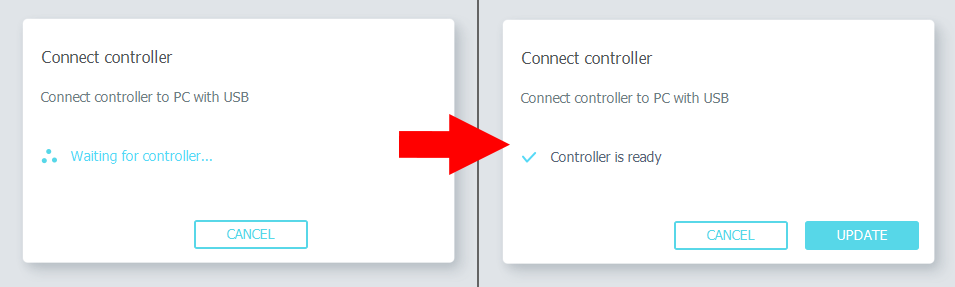
- Connect the hand tracker to the USB-C cable.
- Once done, the window will state the "Controller is ready" and then you can select the Update option.
Info
You will be notified if the tracker is already up to date.
- When completed, remove the tracker.
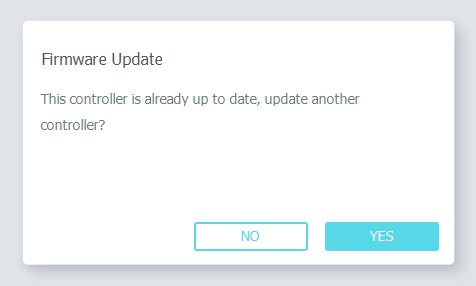
- This process will need to be completed for all the remaining trackers.
Article Keywords/Phrases:
HTC Hand trackers
Controller trackers update
Firmware for HTC trackers
Comments
0 comments
Article is closed for comments.